karaokevideo.ai

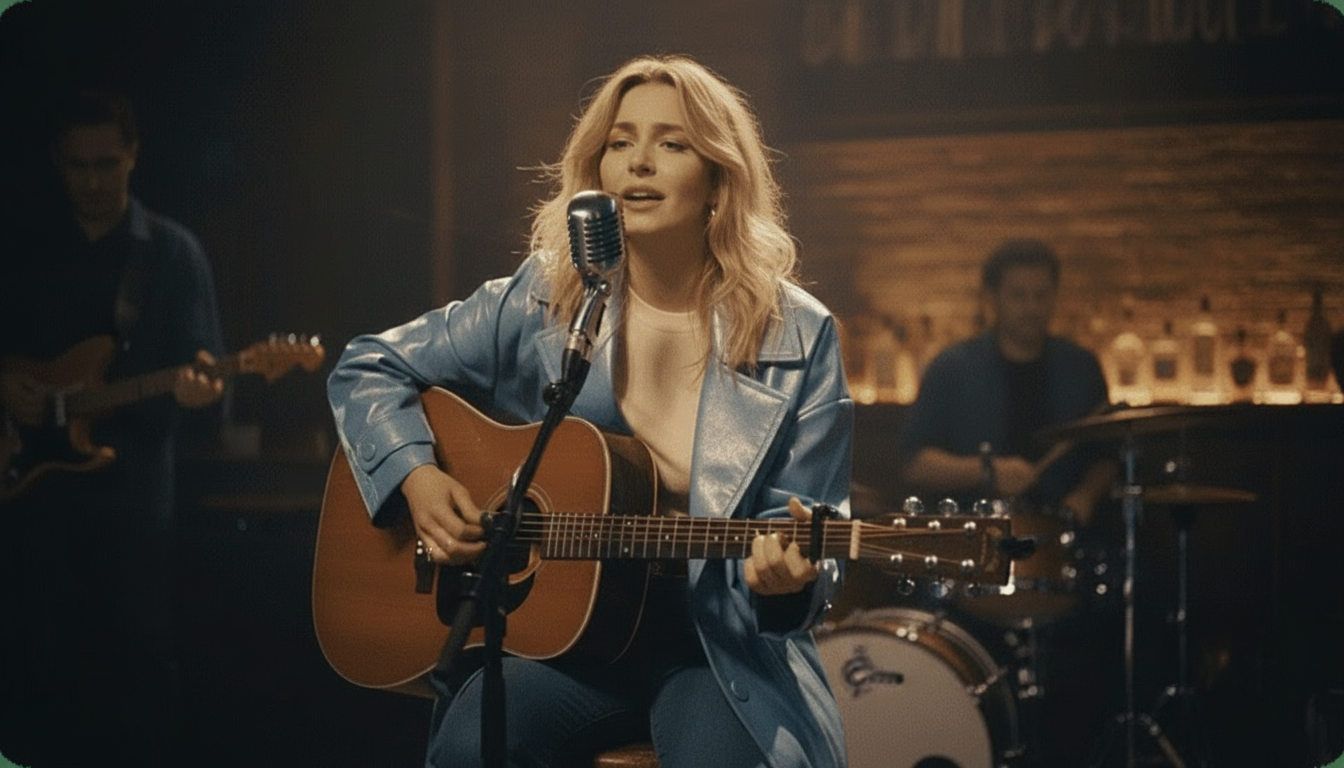
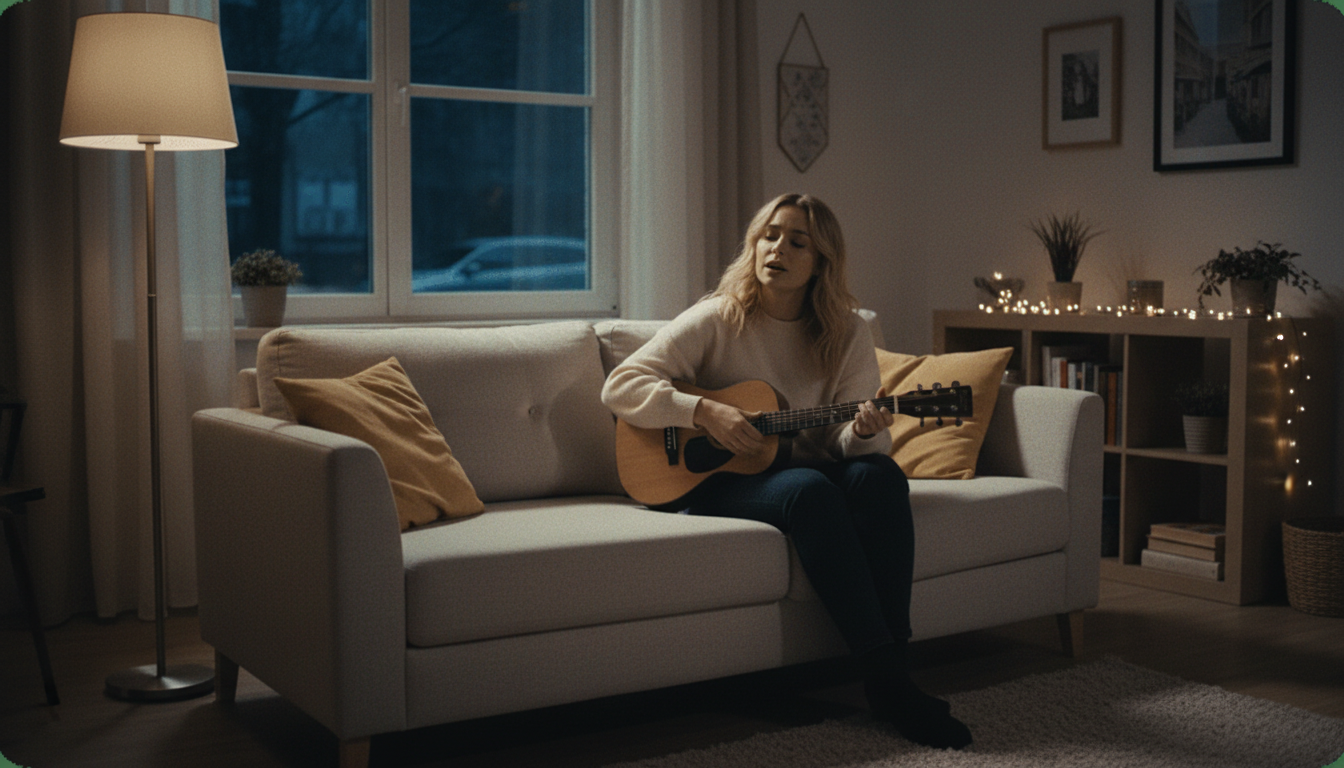
Turn One Picture Into a Free AI Singing Photo

Turn a photo into a singing video in minutes, the kind of surprise that gets sent in a group chat the moment it's ready. Free, HD, no watermark.

  • Upload your own photo, or one you have permission to use
  • Pick any song and watch the photo sing along to it
  • Finished video, ready to send, in a few minutes
  • Free HD export with no watermark stamped over the surprise
  • Works from a single still photo, no video footage needed
Made to Be Shared

Built for the Moment Right After It Finishes Rendering

A singing photo only works as a surprise if it's ready fast and looks good enough to send without hesitation. This is built around that exact moment, from upload to a finished, watermark-free video you're actually excited to share.

1,000,000,000+
Seconds of music visualized
As of May 2026, the platform has rendered over 1 billion seconds of AI music visuals.
1,000,000+
Creators worldwide
As of May 2026, the platform has served over 1 million creators across the world.
Over 150
Countries resonated
As of May 2026, creators from more than 150 countries have built music videos with this platform.
How It Works

How to Turn a Photo Into a Singing Surprise

01

Upload the photo

Use your own photo, or one you have clear permission from the person to use. A clear, front-facing shot with the face unobstructed and well lit gives the cleanest, most convincing result.

02

Pick the song

Choose something that fits the occasion, a birthday favorite, an inside joke, or whatever song actually makes the surprise land the way you want it to. Any audio file works, no restrictions on genre or length.

03

Let it render

The AI animates the photo to lip-sync along with the song automatically. Most photos finish rendering in just a few minutes, no editing steps in between.

04

Download and send it

Export the finished video in HD, no watermark, ready to drop into a group chat or a birthday post the moment it's done rendering.

Capabilities

Built for the Surprise, Not Just the Feature List

Made for the exact moment of sending a photo that suddenly sings.
Fast Enough for a Same-Day Surprise

Fast Enough for a Same-Day Surprise

Most singing photos finish rendering in just a few minutes, which matters when the whole point is catching someone off guard on their actual birthday, not days later after the moment has already passed and whatever made it feel spontaneous is gone.

  • Renders in minutes
  • No multi-day wait
  • Ready before the moment passes
No Watermark Ruining the Reveal

No Watermark Ruining the Reveal

A watermark stamped across a surprise video gives away that it came from a free tool before anyone even gets to the funny part or the sentimental one. Every export here is clean HD, with nothing on screen except the photo actually singing along.
  • Clean HD export
  • No logo over the surprise
  • Nothing to explain away
Works From Any Clear Photo

Works From Any Clear Photo

An old birthday photo, a recent selfie, a childhood picture pulled from a family album. As long as the face is clearly visible and unobstructed, the animation works, which opens up a lot of options for picking the funniest or most nostalgic photo for the occasion.

  • Any clear, front-facing photo
  • Old or recent both work
  • No professional photo needed
Pick Any Song for the Moment

Pick Any Song for the Moment

The song is half of what makes a singing photo land as a surprise, whether that's an over-the-top birthday anthem, an inside joke between friends, or something a little embarrassing on purpose. Any audio file works, no restriction on genre or length.

  • Any song, any genre
  • Inside jokes welcome
  • No pre-approved song list
This Site Also Makes Lyrics Videos and Karaoke Tracks

This Site Also Makes Lyrics Videos and Karaoke Tracks

Beyond singing photos, this site includes a lyrics video maker for songs that need on-screen text, and a stem splitter for pulling a clean instrumental out of any track. Both sit alongside the singing photo tool as separate free features if a project ever needs either one.
  • Lyrics video maker included
  • Stem splitter included
  • Both free, same site
Free, HD, No Strings Attached

Free, HD, No Strings Attached

The finished video exports in HD with no watermark and no payment required at any point in the process, from the very first upload to the final download you actually send to someone waiting for it.

  • HD export included
  • No payment required
  • Full quality, not a limited preview
How It Stacks Up

karaokevideo.ai vs. HeyGen, musci.io, and aisongmaker.io

Comparison based on each tool's published free-tier terms.

Feature
karaokevideo.ai
HeyGen
musci.io
aisongmaker.io
Price
Free, no paywall
Free plan limited to short clips with a watermark
Standard up to 10 minutes, Pro capped at 60 seconds
Free audio trimmed to 1 second
Watermark on free exports
None, ever
Watermarked on the free plan
Depends on plan
Not applicable, output too short to use
HD export on the free tier
Yes
Limited on the free plan
480p free, 720p on Pro
Not applicable
Practical usability of the free tier
Fully usable, no restrictions
Short clips only
Very short on the free plan
Effectively unusable at 1 second
Setup required
None, browser-based
Account required
Account required
Account required
Render speed
A few minutes typically
Varies by plan
Varies by plan
Fast, but output is unusably short
Rendering surprise-ready video same day
Yes, full HD, no watermark
Watermark undercuts the surprise
Free tier too short for most songs
Free tier not usable for this at all
Why Creators Choose karaokevideo.ai

Made for the Actual Moment of Sending It

Built around a surprise, not a demo reel.

No Waiting Around for the Punchline

A slow render kills the timing of a surprise before it even gets sent. Getting the finished video back within a few minutes means you can actually catch someone off guard on the exact day it matters most.

Nothing Gives Away the Free Tool

No watermark means the first thing someone notices is the photo singing along to the song, not a logo sitting in the corner hinting at where the video actually came from.

Works With Whatever Photo You Have

There's no need to take a new, perfectly staged photo just for this. An old favorite pulled from a phone gallery or a dusty family album usually works just as well as anything more recent.

The Song Choice Is Yours Entirely

No restricted song library to pick from means the joke or the tribute can be built around whatever track actually makes sense for the person and the occasion.

Good Enough to Actually Share Widely

A rough or glitchy result isn't worth the effort of sending to anyone. The output here holds up well enough to actually post or forward, not just to test privately once and quietly delete afterward.

No Account Needed to Get Started

There's no signup step slowing down a surprise you want ready the same day, sometimes with only a couple of hours before the moment it needs to land.
From People Who Sent One as a Surprise

What People Say After Sending Theirs

Reviews from people who used this for a real birthday or gift moment.

4.9/5
โ˜…โ˜…โ˜…โ˜…โ˜…
From 5,600+ singing photos made Featured on
BK
Brianna K.
Sent one for a sister's birthday
โ˜…โ˜…โ˜…โ˜…โ˜…
I used our most embarrassing childhood photo of her and set it to her favorite cheesy pop song. It went off exactly the way I hoped, no watermark ruining the reveal in the group chat.
OS
Omar S.
Made one for a coworker's retirement
โ˜…โ˜…โ˜…โ˜…โ˜…
We surprised our coworker at their retirement party with a singing photo of the office group shot. It rendered fast enough that I put it together the same afternoon, no stress about timing.
LV
Lena V.
Sent one to a long-distance friend
โ˜…โ˜…โ˜…โ˜…โ˜…
My friend and I do this as a running joke and this is the only tool I've found that doesn't slap a logo across the video. It just looks like the photo actually singing, nothing else.
TB
Terrence B.
Made one for a dad joke gift
โ˜…โ˜…โ˜…โ˜…โ˜…
Used a photo of my dad from an old family album and it turned into the best part of his birthday card this year. He asked me three separate times how I made it.
YH
Yara H.
Made one for a friend group chat
โ˜…โ˜…โ˜…โ˜…โ˜…
We picked the most over-the-top song we could think of and it worked perfectly. The whole thing took less time than picking the song did in the first place.
MA
Miguel A.
Sent one as an anniversary gag
โ˜…โ˜…โ˜…โ˜…โ˜…
My wife still brings up the singing photo I sent her two years later. It rendered in a couple minutes and came back in full HD with no watermark anywhere on it.
Who Sends These

Built for a Real Moment, Not a Tech Demo

Made for the exact occasion a singing photo actually fits.

Birthday Surprises

Turn a photo of the birthday person into a singing video set to their favorite song, or their most embarrassing one, ready to send the morning of without any advance planning required.

Long-Distance Friend Groups

Keep an inside joke alive across distance by sending a singing photo instead of just another text, using whatever photo and song actually makes sense to the group.

Retirement and Farewell Parties

Add a genuinely funny moment to an office send-off using a group photo or a candid shot nobody in the room expected to see singing along to anything, let alone their retiring coworker's least favorite song.

Anniversary and Relationship Gags

Send a singing photo as a lighthearted gift or an inside joke between partners, built around whatever song actually means something specific to the two of you rather than something generic.

Family Group Chats

Bring an old family photo back to life as a singing video for a holiday, a reunion, or just because someone found the photo and wanted to do something with it.
FAQ

Common Questions

What people ask before sending their first one.

Whose photo can I use?

Your own photo, or one you have permission from the person in it to use. This applies to every photo uploaded here, since animating someone's likeness into a singing video without their knowledge isn't something this tool is built to support, regardless of how harmless the intent behind it is.

How long does it take to get the video back?

Most photos finish rendering in just a few minutes, which is fast enough to put a surprise together the same day, sometimes with only an hour or two of lead time before it actually needs to be sent to someone.

Will there be a watermark on the finished video?

No, every export is clean HD with no watermark, which matters for a surprise since a logo in the corner gives away the tool before anyone gets to the actual joke or the tribute you built the video around.

Can I use an old or low-quality photo?

Yes, as long as the face is clear and unobstructed in the photo, older or lower-resolution images generally still work fine. A well-lit, front-facing shot tends to animate more cleanly than a blurry or heavily shadowed one, but it doesn't need to be a professional photo.

Can I pick any song, or only ones from a library?

You can use any song, there's no restricted or pre-approved song library to choose from. That matters for a surprise built around an inside joke or a very specific track that means something to the person receiving it.

Is this free to use, or is there a hidden cost?

It's fully free, including the HD export and the removal of any watermark. There's no paid tier holding back a better version of the same video, so what you get on the free version is the complete result.

Can I make more than one singing photo?

Yes, there's no limit on how many you can create, so building out a few options before picking the best one for the occasion, or making one for several different people, is not a problem.

Does it work on a photo of a pet instead of a person?

This particular tool is built around human faces for a singing photo, so a pet photo generally won't animate the same way. A dedicated pet-focused version exists elsewhere on this site for that specific case.

What file format do I need to upload?

A standard photo format like JPG or PNG works fine, and there's no special preparation needed beyond having a clear, front-facing shot with the face visible before you upload it.

Can I download the video to my phone directly?

Yes, the finished export downloads as a standard video file that works on a phone or a computer, ready to send directly through a message, an email, or a group chat without any extra conversion step.
Whose photo can I use?
Your own photo, or one you have permission from the person in it to use. This applies to every photo uploaded here, since animating someone's likeness into a singing video without their knowledge isn't something this tool is built to support, regardless of how harmless the intent behind it is.
How long does it take to get the video back?
Most photos finish rendering in just a few minutes, which is fast enough to put a surprise together the same day, sometimes with only an hour or two of lead time before it actually needs to be sent to someone.
Will there be a watermark on the finished video?
No, every export is clean HD with no watermark, which matters for a surprise since a logo in the corner gives away the tool before anyone gets to the actual joke or the tribute you built the video around.
Can I use an old or low-quality photo?
Yes, as long as the face is clear and unobstructed in the photo, older or lower-resolution images generally still work fine. A well-lit, front-facing shot tends to animate more cleanly than a blurry or heavily shadowed one, but it doesn't need to be a professional photo.
Can I pick any song, or only ones from a library?
You can use any song, there's no restricted or pre-approved song library to choose from. That matters for a surprise built around an inside joke or a very specific track that means something to the person receiving it.
Is this free to use, or is there a hidden cost?
It's fully free, including the HD export and the removal of any watermark. There's no paid tier holding back a better version of the same video, so what you get on the free version is the complete result.
Can I make more than one singing photo?
Yes, there's no limit on how many you can create, so building out a few options before picking the best one for the occasion, or making one for several different people, is not a problem.
Does it work on a photo of a pet instead of a person?
This particular tool is built around human faces for a singing photo, so a pet photo generally won't animate the same way. A dedicated pet-focused version exists elsewhere on this site for that specific case.
What file format do I need to upload?
A standard photo format like JPG or PNG works fine, and there's no special preparation needed beyond having a clear, front-facing shot with the face visible before you upload it.
Can I download the video to my phone directly?
Yes, the finished export downloads as a standard video file that works on a phone or a computer, ready to send directly through a message, an email, or a group chat without any extra conversion step.