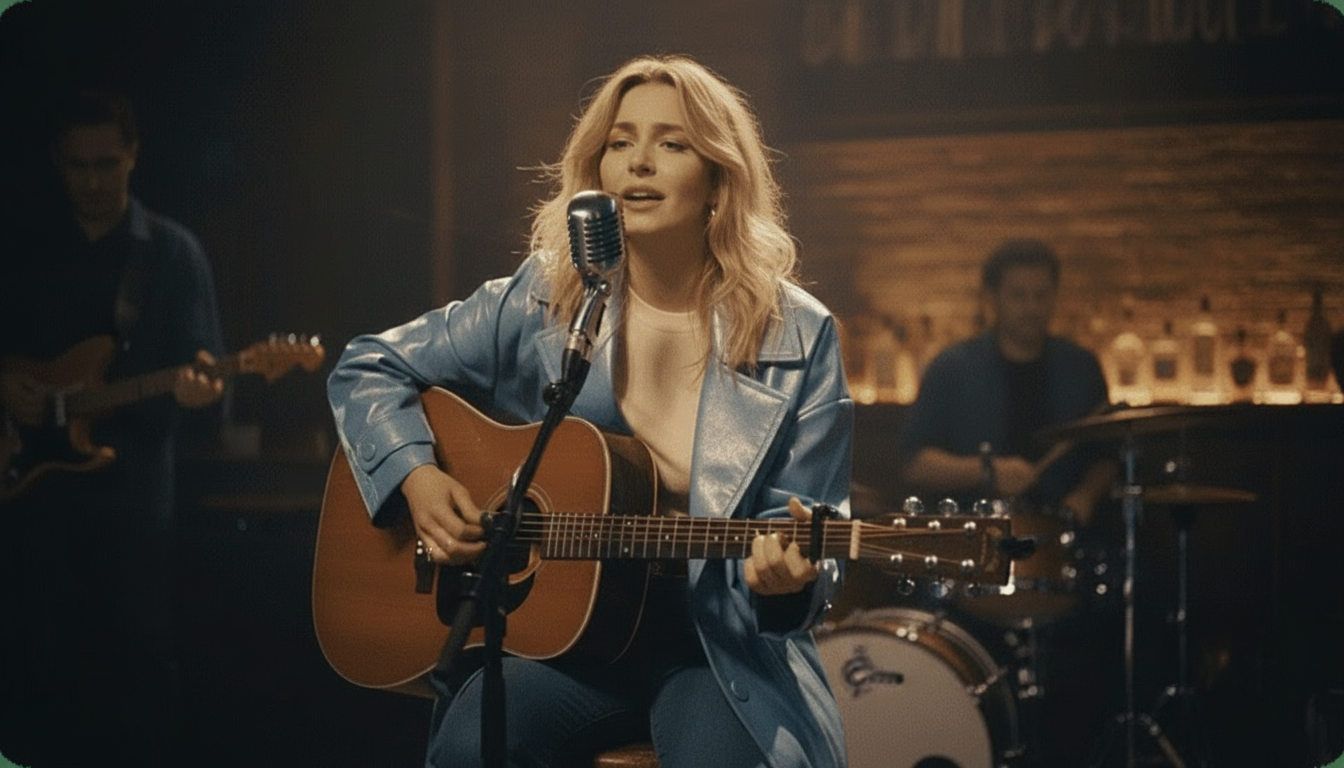
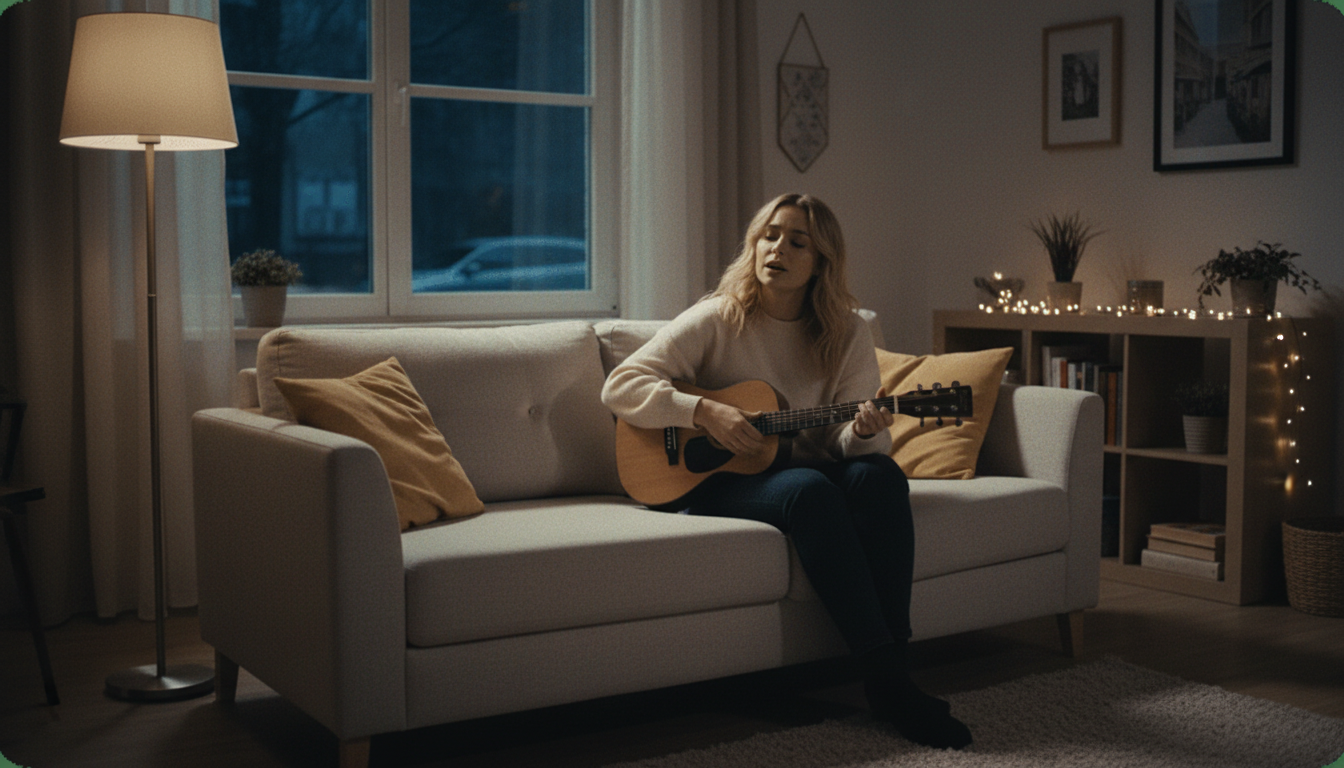
From a Single Picture to a Free AI Singing Video
Turn one photo into a full singing video in minutes, ready to post the same day. Free, HD, no watermark, no editing software required.

Made for Content That Actually Goes Out Fast
A singing video only works for social content if it's ready fast enough to post while the idea still feels fresh. This is built around that turnaround, from a single photo to a finished, watermark-free video in minutes, not hours.
How to Turn a Photo Into a Singing Video
Upload the photo
Use your own photo, or one you have permission from the person to use. A clear, front-facing shot with the face unobstructed gives the cleanest result.
Pick the song
Choose whatever track fits the content, a trending song, an original piece, or something niche. Any audio file works, with no restricted library to pick from.
Let it render
The AI animates the photo to lip-sync along with the song automatically. Most videos finish rendering in just a few minutes, no manual editing required.
Download and post it
Export the finished video in HD, no watermark, ready to upload directly to whatever platform the content is going out on.
Built for Content That Needs to Move Fast
Made for the actual pace social content gets made and posted at.

Fast Enough to Post Same-Day
Most videos finish rendering in just a few minutes, which matters when a piece of content is built around a trending moment or a timely idea. A video that takes hours to produce often misses the window it was actually made for.
- Renders in minutes
- No multi-hour wait
- Ready while the idea is still fresh

No Watermark Cluttering the Video
A watermark in the corner of a singing video looks unfinished and distracts from the actual content. Every export here is clean HD, with nothing on screen except the photo actually singing along to the song.

- Clean HD export
- No logo in the corner
- Looks like finished content

Any Song, No Restricted Library
There's no pre-approved list of songs to choose from. Whatever track actually fits the content, a trending audio clip, an original song, or something niche and specific, works the same way as anything else.
- Any song, any genre
- No pre-approved list
- Full creative control

No Editing Skills Needed
There's no timeline editor, no keyframing, and no video production background required. Upload a photo, pick a song, and the finished video comes back ready to post, without needing to learn new software first.

- No software to learn
- No editing experience needed
- Upload, pick, done

This Site Also Makes Karaoke Videos and Splits Stems
Beyond singing videos, this site includes a karaoke and lyrics video maker for songs that need synced on-screen text, and a stem splitter for pulling a clean instrumental from any track. Both are separate free tools alongside this one.

- Lyrics video maker included
- Stem splitter included
- Both free, same site

Free HD, No Strings Attached
The finished video exports in HD with no watermark and no payment required at any point, from the first upload to the final download that actually gets posted. That stays true whether it's the first one you've ever made here or the fiftieth this month.
- HD export included
- No payment required
- Full quality, not a limited preview
karaokevideo.ai vs. HeyGen, musci.io, and aisongmaker.io
Comparison based on each tool's published free-tier terms.
Made for the Pace Content Actually Moves At
Built around getting a finished, postable video, not just a demo.
No Waiting for a Trend to Pass
Nothing Signals a Free Tool
Works With Whatever Photo Fits
No Restricted Song Library
Good Enough to Actually Post
No Account Slowing Things Down
What Creators Say
Reviews from people making singing videos for real posts, not just testing.
Built for Content That Needs to Go Out Fast
Made for the real pace of posting, not a slow production process.
Social Content Creators
Meme and Niche Content Pages
Streamers and Part-Time Creators
Casual Posters Trying It Once
Anyone Building a Content Series
Common Questions
What creators ask before making their first one.
Whose photo can I use?
How fast can I get the video back?
Will there be a watermark on the video?
Can I use any song, including a trending or niche one?
Is this free, or is there a hidden cost?
Do I need video editing experience?
Can I make more than one video?
What photo quality works best?
Can I download the video directly to my phone?
Is there a limit on how the video can be used afterward?
- Whose photo can I use?
- Your own photo, or one you have permission from the person in it to use. This applies to every photo uploaded here, regardless of what the video is being made for or where it's going to be posted afterward.
- How fast can I get the video back?
- Most photos finish rendering in just a few minutes, which is fast enough to build content around a timely idea or a trending song without losing the moment the content was actually built around in the first place.
- Will there be a watermark on the video?
- No, every export is clean HD with no watermark, which matters for content meant to be posted publicly rather than just tested privately and set aside.
- Can I use any song, including a trending or niche one?
- Yes, there's no restricted or pre-approved song library. Any audio file works, whether it's a trending clip, an original song, or something specific to a niche audience.
- Is this free, or is there a hidden cost?
- It's fully free, including the HD export and watermark removal. There's no paid tier holding back a better version of the same video. There's no trial period that quietly expires or a better paid tier waiting behind the free version.
- Do I need video editing experience?
- No, there's no timeline editor or keyframing skill required. Upload a photo, pick a song, and the finished video comes back automatically, without any prior editing background needed.
- Can I make more than one video?
- Yes, there's no limit on how many singing videos you can create, so building out a series or testing a few different photo and song combinations isn't a problem.
- What photo quality works best?
- A clear, front-facing, well-lit photo with the face unobstructed animates most cleanly. Older or lower-resolution photos can still work, though a sharper image generally produces a more convincing result.
- Can I download the video directly to my phone?
- Yes, the finished export downloads as a standard video file that works on a phone or computer, ready to upload directly to whatever platform the content is going out on.
- Is there a limit on how the video can be used afterward?
- There's no restriction here on posting the finished video publicly, as long as the photo used follows the rights and permission requirement described above. That's true whether the finished video ends up as a private message or something posted more publicly.