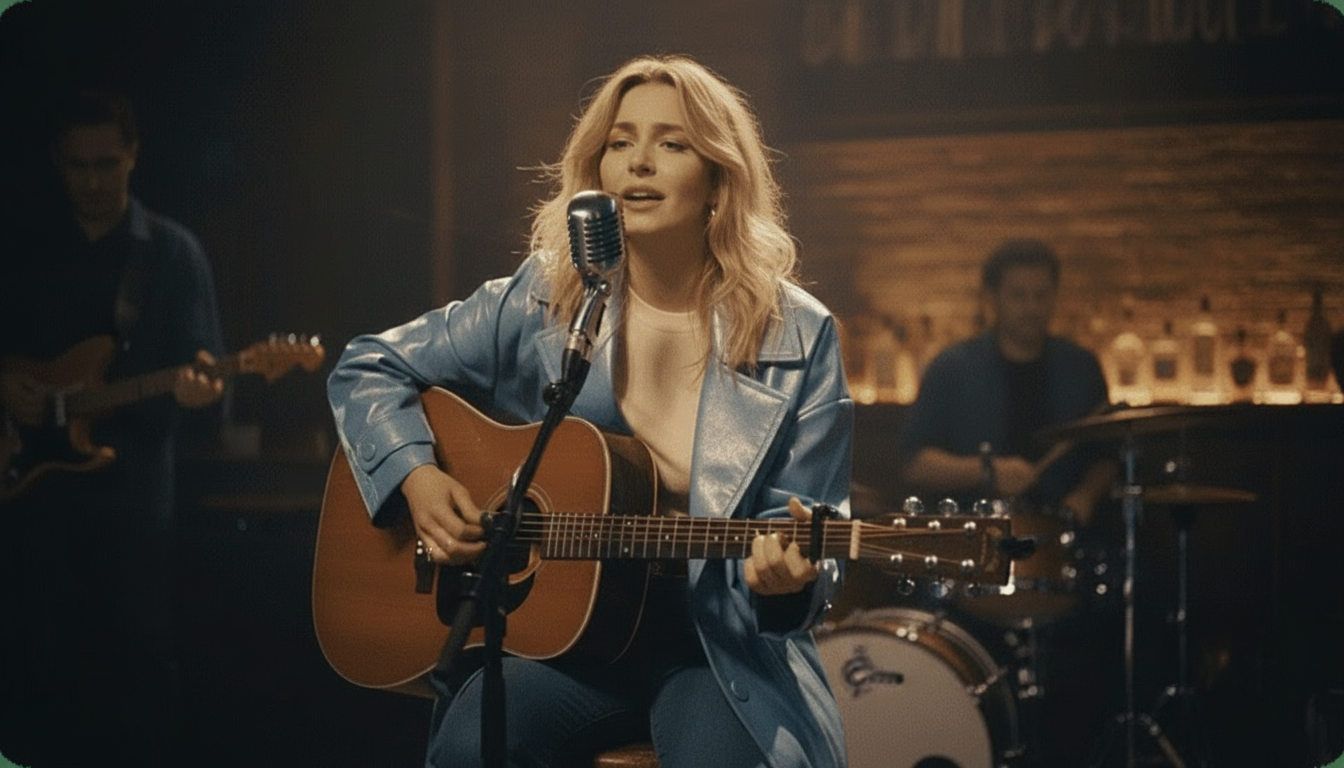
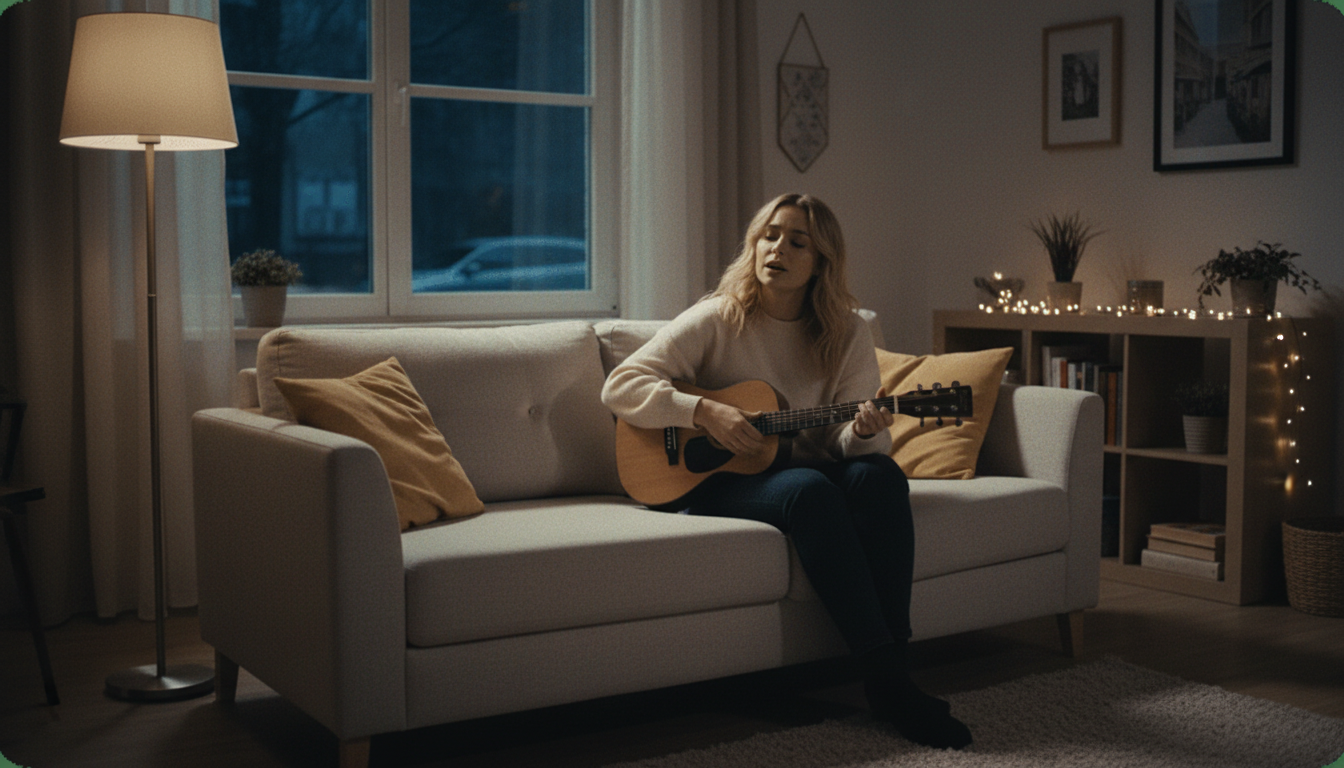
Match Any Audio to a Face With a Free Lip Sync Photo Tool
Sync a photo's mouth to any audio clip and watch it talk or sing along exactly on beat. Free, HD, no watermark, ready in minutes.

Made for Sync That Actually Looks Right
A lip sync only works if the timing actually looks convincing, especially for a joke or a bit where the whole point depends on the sync landing. This is built around getting a clean, accurately timed result fast, without a watermark undercutting the effect.
How to Lip Sync a Photo to Any Audio
Upload the photo
Use your own photo, or one you have clear permission from the person to use. A clear, front-facing shot with the mouth visible gives the most convincing sync.
Pick the audio clip
Choose the exact clip you want the photo to sync to, a song, a sound bite, a quote, or anything else. Any audio file works.
Let it render
The AI syncs the photo's mouth movement to the audio automatically. Most photos finish rendering in just a few minutes.
Download and share it
Export the finished video in HD, no watermark, ready to post or send the moment it's done rendering.
Built for a Sync That Actually Lands
Made for the exact moment a lip sync needs to look convincing.

Accurate Mouth Sync
The mouth movement lines up closely with the actual audio clip, which matters most when the whole point of the video depends on the timing looking right rather than approximate. A sloppy sync undercuts the effect immediately, so this is built to avoid that.
- Close mouth-to-audio timing
- Works with speech or singing
- Built for a convincing result

Any Audio Clip Works
There's no restricted list of approved sounds or songs. Whatever clip actually makes the video work, a quote, a sound bite, a song, or something more obscure, syncs the same way as anything else you might choose.
- Any audio clip
- No pre-approved list
- Full creative control

No Watermark Ruining the Bit
A watermark stamped across a lip sync video undercuts the joke or the effect before anyone gets to the actual moment. Every export here is clean HD, with nothing on screen except the photo actually syncing to the audio.

- Clean HD export
- Nothing distracting on screen
- No paid tier needed to remove it

Fast Enough to Post Same-Day
Most photos finish rendering in just a few minutes, which matters for content built around a timely reference or a trending clip. A video that takes hours to make often misses the window it was actually built for.
- Renders in minutes
- No multi-hour wait
- Ready while the reference still lands

This Site Also Makes Karaoke Videos and Splits Stems
Beyond lip sync photos, this site includes a karaoke and lyrics video maker for songs that need synced on-screen text, and a stem splitter for pulling a clean instrumental from any track. Both are separate free tools alongside this one.

- Lyrics video maker included
- Stem splitter included
- Both free, same site

Free HD, No Strings Attached
The finished video exports in HD with no watermark and no payment required at any point, from the first upload to the final download that actually gets shared. That stays true whether it's the first one you've ever made here or the fiftieth this month.
- HD export included
- No payment required
- Full quality, not a limited preview
karaokevideo.ai vs. HeyGen, musci.io, and aisongmaker.io
Comparison based on each tool's published free-tier terms.
Built for the Effect to Actually Land
Made around a sync that needs to look right, not just exist.
Timing That Actually Convinces
Nothing Signals a Free Tool
Works With Any Reference
Fast Enough While the Moment Lasts
Works From Any Clear Photo
No Account Slowing You Down
What People Say After Making Theirs
Reviews from people using this for real content and inside jokes.
Built for Anyone Turning a Photo Into a Bit
Made for content and jokes that depend on the sync actually landing.
Meme and Content Creators
Friend Groups and Inside Jokes
Casual Creators Trying Something New
Video Editors Testing an Idea Fast
Anyone Building a Recurring Series
Common Questions
What people ask before making their first one.
Whose photo can I use?
How accurate is the mouth sync?
Can I use any audio clip, or only songs?
How fast can I get the video back?
Will there be a watermark on the finished video?
Do I need video editing experience?
Can I use an old or lower-quality photo?
Is there a limit on how many I can make?
Is this free, or is there a hidden cost?
Can I download the video to share directly?
- Whose photo can I use?
- Your own photo, or one you have clear permission from the person to use. This applies regardless of the reason behind the video, including anything meant purely as a joke between friends.
- How accurate is the mouth sync?
- The sync generally lines up closely with the audio clip's timing, though very fast or unusual speech patterns can be a harder case than a clear, moderately paced clip. Most everyday audio clips sync convincingly enough for the effect to actually land.
- Can I use any audio clip, or only songs?
- Any audio works, not just songs. Quotes, sound bites, and other short clips all sync the same way, without a restricted library limiting what's actually possible to use.
- How fast can I get the video back?
- Most photos finish rendering in just a few minutes, which is fast enough to build content around a timely or trending reference without missing the window it was actually made for.
- Will there be a watermark on the finished video?
- No, every export is clean HD with no watermark, which matters most for a video where a logo in the corner would undercut the actual joke or effect.
- Do I need video editing experience?
- No, there's no timeline editor or keyframing skill required. Upload a photo, pick an audio clip, and the finished sync comes back automatically. Everything about the process is handled automatically once you upload your file and make your selections.
- Can I use an old or lower-quality photo?
- Yes, as long as the face and mouth are reasonably clear and visible, older or lower-resolution photos generally still work, though a sharper image tends to produce a cleaner sync.
- Is there a limit on how many I can make?
- No, there's no limit on how many lip sync videos you can create, so trying several photo and audio combinations in one sitting isn't a problem.
- Is this free, or is there a hidden cost?
- It's fully free, including the HD export and watermark removal. There's no paid tier holding back a better version of the same result. There's no trial period that quietly expires or a better paid tier waiting behind the free version.
- Can I download the video to share directly?
- Yes, the finished export downloads as a standard video file, ready to post or send through a message without needing any extra conversion step.