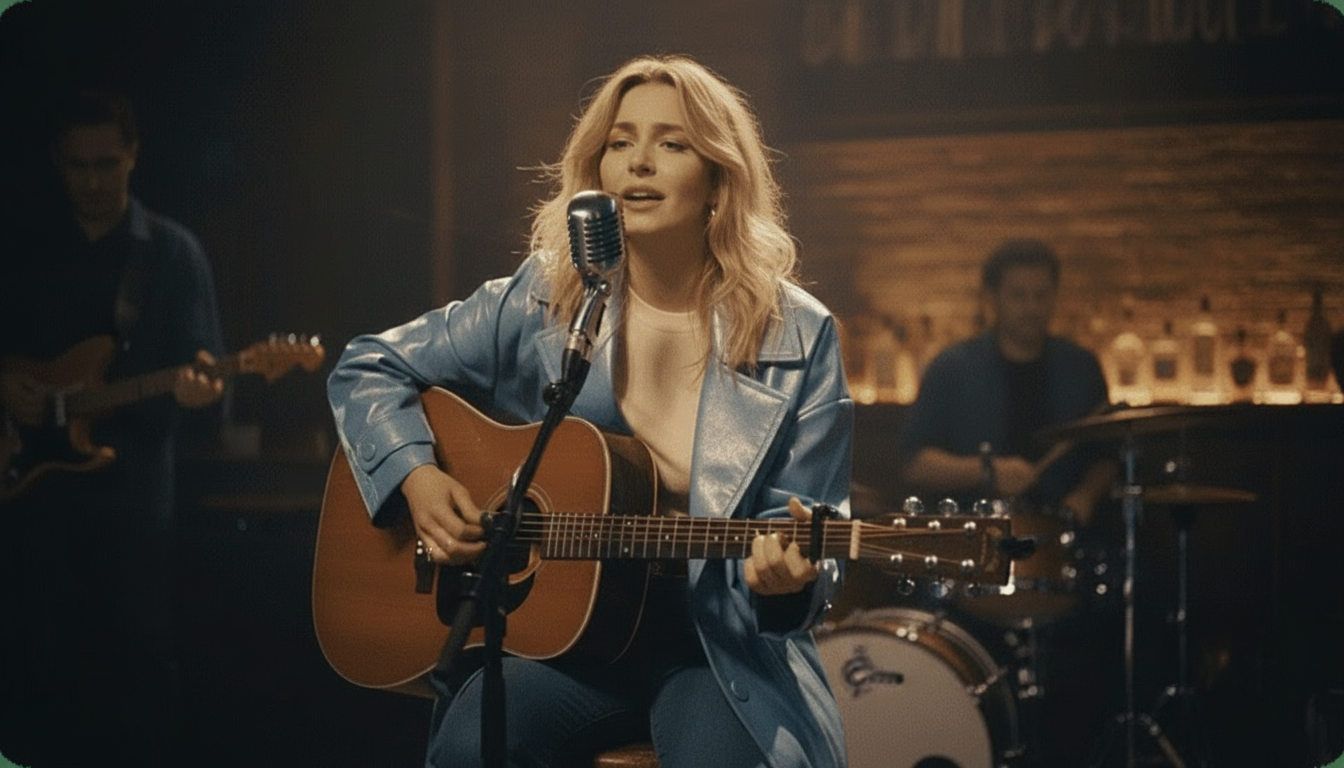
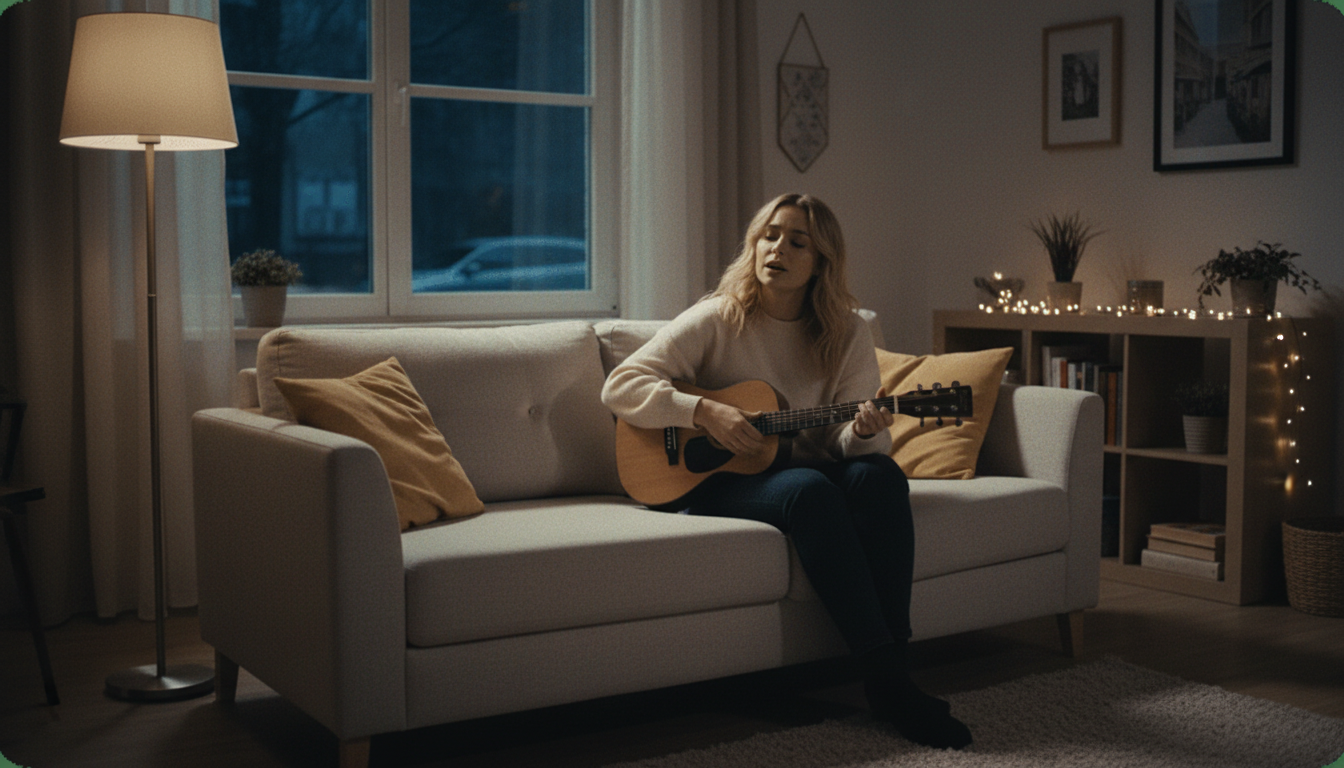
A Free Lip Sync Video Tool Built for Full-Length Audio
Turn a photo into a full lip sync video matched to any audio track, ready to use the same day. Free, HD, no watermark, no editing software required.

Made to Actually Be Used, Not Just Tested
A lip sync video needs to hold up as a genuine finished piece, whether that's for a project, a message, or something meant to be shared widely. This is built around getting a clean, watermark-free result that looks like it belongs in a real video, not a rough test.
How to Make a Lip Sync Video From a Photo
Upload the photo
Use your own photo, or one you have clear permission from the person to use. A clear, front-facing shot gives the most convincing result.
Add the audio track
Upload the speech, song, or audio you want the video synced to. Any audio file works, with no length or genre restriction.
Let it render
The AI syncs the photo's mouth movement to the full audio track automatically. Most videos finish rendering in just a few minutes, no manual editing required.
Download the finished video
Export in HD, no watermark, ready to use for whatever the video is actually meant for, whether that's a project, a message, or a piece of content.
Built for a Video You'd Actually Use
Made for a genuine finished result, not just a quick demo.

Full Audio Track Support
Sync a photo to a complete audio track, not just a short clip. That matters if the video is meant to carry a full message, a full song, or a longer piece of content rather than a few seconds of throwaway audio.
- Works with full-length audio
- Not limited to short clips
- Handles speech or singing

No Watermark on a Real Video
A watermark undercuts a video meant to actually be used for something, whether that's a personal message, a project, or content meant for a wider audience. Every export here is clean HD, with nothing on screen except the video itself.
- Clean HD export
- Looks like a finished video
- No paid tier needed to remove it

Fast Enough for a Real Deadline
Most videos finish rendering in just a few minutes, which matters when the video is needed for something with an actual timeline, an event, a deadline, or a message that needs to go out soon.

- Renders in minutes
- No multi-hour wait
- Ready before a real deadline

No Editing Software Required
There's no timeline editor or video production experience needed to get a finished result. Upload the photo and the audio, and the synced video comes back automatically, without needing to learn new software first.

- No software to learn
- No editing experience needed
- Upload and done

This Site Also Makes Karaoke Videos and Splits Stems
Beyond lip sync videos, this site includes a karaoke and lyrics video maker for songs that need synced on-screen text, and a stem splitter for pulling a clean instrumental from any track. Both are separate free tools alongside this one.

- Lyrics video maker included
- Stem splitter included
- Both free, same site

Free HD, No Strings Attached
The finished video exports in HD with no watermark and no payment required at any point, from the first upload to the final download actually used for its intended purpose.
- HD export included
- No payment required
- Full quality, not a limited preview
karaokevideo.ai vs. HeyGen, musci.io, and aisongmaker.io
Comparison based on each tool's published free-tier terms.
Built to Actually Be Used, Not Just Demonstrated
Made around a real deadline or a real purpose, not a novelty test.
Holds Up as a Finished Piece
No Race Against a Rendering Queue
Full Audio, Not Just a Sample
No Software Learning Curve
No Feature Held Back for a Paid Tier
Consistent Across Repeated Use
What People Say After Using It
Reviews from people who made a video meant for real use.
Built for a Video Meant to Actually Be Used
Made for real projects and real deadlines, not just a quick demo.
Small Business Owners
Independent Creators
Nonprofit and Fundraising Organizers
Freelance Video Producers
Anyone Sending a Personal Video Message
Common Questions
What people ask before making their first one.
Whose photo can I use?
Can I use a full-length song or speech, not just a short clip?
How fast can I get the video back?
Will there be a watermark on the finished video?
Do I need video editing experience?
Can I use this for a business or nonprofit project?
Does the sync stay accurate through a longer video?
Is there a limit on how many videos I can make?
What photo quality works best?
Is this free, or is there a hidden cost?
- Whose photo can I use?
- Your own photo, or one you have clear permission from the person to use. This applies to every photo uploaded here, regardless of what the finished video is actually meant for.
- Can I use a full-length song or speech, not just a short clip?
- Yes, the audio track can be full length, which matters if the video needs to carry a complete message, song, or piece of content rather than just a few seconds of throwaway audio.
- How fast can I get the video back?
- Most videos finish rendering in just a few minutes, which is fast enough to meet a real deadline, whether that's an event, a project due date, or a message that needs to go out soon.
- Will there be a watermark on the finished video?
- No, every export is clean HD with no watermark, which matters for a video meant to be used for something real rather than just tested privately.
- Do I need video editing experience?
- No, there's no timeline editor or keyframing skill required. Upload a photo and an audio track, and the finished synced video comes back automatically. Everything about the process is handled automatically once you upload your file and make your selections.
- Can I use this for a business or nonprofit project?
- Yes, there's no restriction on what the finished video is used for, whether that's a personal project, a small business message, or a nonprofit campaign video.
- Does the sync stay accurate through a longer video?
- Yes, the sync tracks the full audio track from start to finish, not just the opening seconds, so quality doesn't drop off toward the end of a longer piece.
- Is there a limit on how many videos I can make?
- No, there's no limit on how many lip sync videos you can create, so multiple projects or several versions of the same idea aren't a problem.
- What photo quality works best?
- A clear, front-facing, well-lit photo with the face unobstructed generally produces the most convincing sync, though older or lower-resolution photos can still work reasonably well.
- Is this free, or is there a hidden cost?
- It's fully free, including the HD export and watermark removal. There's no paid tier holding back a better version of the same finished video. There's no trial period that quietly expires or a better paid tier waiting behind the free version.