A Free Lyrics Video Maker That Handles the Timing Itself
Upload your finished track and get a synced lyrics video back fast enough to post the same day your song goes live. Free, no watermark, no editing software required.

Made for the Gap Between Mastering and Publishing
A lyric video that takes days to produce misses the moment a release actually needs it most. This is built for that narrow window between a finished master and a live release, so the video is ready on the same schedule as the song itself.
How to Get a Lyrics Video Ready Before Release Day
Upload your finished master
Bring the final mixed and mastered version of your track, not a rough demo. A clean vocal in the mix gives the automatic lyric sync the clearest signal to work from.
Let the lyrics sync automatically
The tool times the on-screen text to the vocal track without manual keyframing. Faster verses or dense rap sections may need a quick review afterward, but there's no timeline editor required to get there.
Choose a visual style
Pick a background and text style that matches how you want the release to look, whether that's minimal and text-forward or something with more visual movement behind the lyrics.
Export and publish same day
Download the finished video in a format ready for YouTube, TikTok, or Instagram, with no watermark and no delay waiting on a rendering queue or a paid tier to unlock the export.
Built for the Speed a Real Release Needs
Not a general-purpose video editor, a tool built around one specific deadline.

Fast Enough for Same-Day Release
A lyric video that takes a week to produce is a video for the wrong moment. This is built to go from finished master to finished video fast enough to post it the same day a song actually goes live, not days after the moment has already passed.

- Built for release-day timing
- No multi-day production process
- Ready before the moment passes

Automatic Sync, No Manual Timing
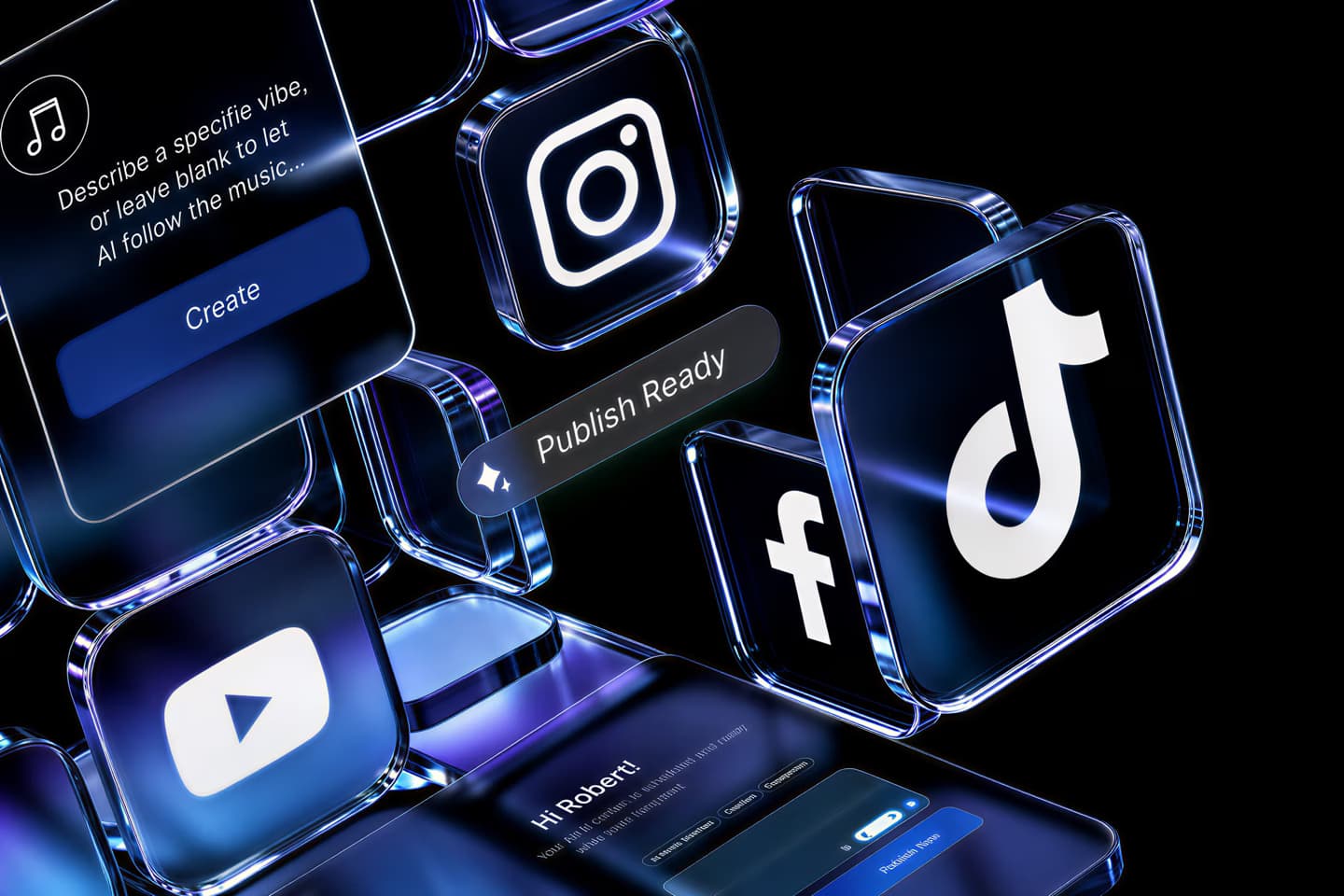
Lyrics line up to the vocal track without keyframing each line by hand in a timeline editor. That matters most on release day, when there usually isn't spare time left to manually time out an entire song's worth of on-screen text against a moving vocal line.
- No manual keyframing
- Works from the vocal track directly
- Review, don't build from scratch

No Watermark on a Release Video
A watermark stamped across a lyric video meant to represent an actual release looks unfinished, and undercuts the release itself in front of the exact audience it's meant to reach. Every export here is clean, with nothing on screen that isn't part of the song's own visual.
- Clean export, every time
- Nothing competing with your branding
- No paid tier needed to remove it

Exports Ready for Every Platform
The finished file works across YouTube, TikTok, and Instagram without needing a separate re-export or resize step for each platform's specific dimensions. That's one less task standing between a finished video and getting it actually posted everywhere it needs to go on release day.

- One export, multiple platforms
- No manual resizing per platform
- Ready to upload immediately

This Site Also Splits Stems and Animates Photos
Beyond lyrics videos, this site includes a stem splitter for pulling an instrumental or isolated vocal from any track, and an AI tool that turns a photo into a singing or talking video. Both are separate free tools here, worth knowing about if a release ever needs either one alongside the lyric video itself.
- Stem splitter included
- Photo-to-singing-video tool included
- Both free, same site

No Paywall Between Master and Video
There's no tier where a finished, watermark-free export requires payment first. The video that comes out the free way is the same finished quality as anything a paid version might offer, since there isn't a separate paid version holding features back from everyone else.
- Same quality, no paid tier
- No feature gating
- Free from upload to export
karaokevideo.ai vs. Kapwing, VEED, and Youka.io
Comparison focused on what matters for a release-day timeline, not a general video-editing feature list.
Made for the Actual Release Workflow
Built around a real deadline, not a hypothetical one.
No Race Against a Rendering Queue
Looks Finished, Not Rushed
One Tool, Every Platform
No Credit Countdown on Release Week
Works With a Track's Actual Timing
No Feature Held Back for a Paid Tier
What Independent Artists Say
Reviews from musicians using this on their own release schedule.
Built for Anyone With an Actual Release Date
Made for the real timeline between a finished track and a live release.
Independent Artists on Release Day
Bedroom Producers Releasing Their Own Work
Rappers and Fast-Lyric Artists
Songwriters Building a Release Calendar
Cover Artists Posting to Social Platforms
Common Questions
What artists ask before their first release-day video.

How fast can I actually get a lyric video after uploading a track?
Do I need to time the lyrics manually?
Will there be a watermark on my release video?
Can I export for TikTok, Instagram, and YouTube from one file?
Is there a limit on how many lyric videos I can make?
Does it work with fast or complex vocal sections, like rap?
Do I need any video editing experience?
What audio quality does the track need to be?
Can I use this for a cover song, not just an original release?
Is there a cost to remove the watermark or unlock a longer export?
- How fast can I actually get a lyric video after uploading a track?
- Most tracks process in well under a few minutes, with the lyrics synced automatically to the vocal timeline. The exact time depends on song length and how dense the vocal section is, but there's no multi-day production process standing between a finished master and a finished video.
- Do I need to time the lyrics manually?
- No, the sync happens automatically based on the vocal track. Fast or unusual sections, like a dense rap verse or a spoken interlude, may benefit from a quick manual review afterward, but you're reviewing a finished sync rather than building the timing from scratch yourself.
- Will there be a watermark on my release video?
- No, exports are clean with no watermark, on the free tier or otherwise. A watermark on a video meant to represent an actual song release undercuts the release itself, which is why this doesn't add one at any point in the process.
- Can I export for TikTok, Instagram, and YouTube from one file?
- Yes, the export works across all three platforms without needing a separate resize or reformatting step for each one individually, which saves real time on a release day already packed with other tasks that need direct attention.
- Is there a limit on how many lyric videos I can make?
- No, there's no monthly cap or signup-credit system limiting how many videos you can produce, so a run of singles released over several months doesn't run into a wall partway through an already busy release calendar.
- Does it work with fast or complex vocal sections, like rap?
- Yes, though very dense or fast-moving sections sometimes need a small manual adjustment after the automatic sync finishes running. That review step still takes far less time than manually timing an entire verse from scratch would.
- Do I need any video editing experience?
- No, there's no timeline editor or keyframing skill required at any point. Upload the finished track, let the sync run automatically, pick a visual style, and export, with no prior video production background needed for any of it.
- What audio quality does the track need to be?
- A finished, mastered version of the track gives the clearest signal for automatic lyric syncing to work from. A rough demo can still work reasonably well, but a clean, well-mixed vocal generally syncs more accurately than a muddier rough mix does.
- Can I use this for a cover song, not just an original release?
- Yes, the tool doesn't distinguish between an original song and a cover when syncing lyrics to the timeline, so it works exactly the same way regardless of which kind of release you're actually putting out.
- Is there a cost to remove the watermark or unlock a longer export?
- No, there's no paid tier holding back a watermark-free or longer export. What you get on the free version is the complete, unrestricted result, not a limited version of something better sitting behind a paywall.