Top AI Tools Reviewed
AI Lip Sync Tools Ranked by What They Let You Keep for Free

Key Factors for Choosing an AI Lip Sync Tool
- Cost and Free Tier Value. Many tools offer free tiers, but their limitations can be significant. Look for a tool that provides a genuinely useful free experience without crippling restrictions like heavy watermarks, extremely short video lengths, or low-resolution output. The best free ai lip sync tool will let you create and export a full video without a mandatory upgrade.
- Animation Quality and Realism. The core of any lip sync tool is its AI model. Evaluate how natural the mouth movements, head nods, and eye blinks are. Some tools produce stiff, robotic animations, while others create surprisingly fluid and believable results. Look for examples or test the tool with a sample photo to judge the quality for yourself.
- Ease of Use. You shouldn't need a degree in visual effects to create a simple singing photo. The ideal tool has a clean, intuitive interface. Uploading a photo and an audio file should be a straightforward process, with clear options and minimal steps to get from start to finish. A web-based tool is often more accessible than one requiring a software installation.
- Customization and Creative Control. Beyond basic lip-syncing, what other creative options are available? Some tools offer different animation styles, backgrounds, or even duet modes. The ability to fine-tune the final video, even with simple presets or scene editing, can make a huge difference in creating unique content that stands out.
- Output Formats and Watermarking. Always check the export options. Does the tool output a standard video format like MP4? Crucially, does the free version add a prominent watermark? A watermark can make your content look unprofessional, so finding a tool that offers no-watermark exports on its free plan is a major advantage for content creators.
Top AI Lip Sync Tools Compared
| Tool | Free Tier Limitations | Key Features | Best For |
|---|---|---|---|
| karaokevideo.ai | None. 100% free with no watermarks or time limits. | Solo, Duet & Pet modes; preset and custom scenes; photo to talking/singing video. | Content creators and social media managers needing unlimited, watermark-free videos. |
| HeyGen | Watermarks on videos and short clip length limits. | AI avatars, voice cloning, talking photo features. | Businesses creating professional training or marketing videos with AI avatars. |
| musci.io | Output is limited to 480p resolution on the free plan. | Focuses on music-synced animations, multiple visualizer styles. | Musicians and artists wanting to create simple music visualizers from a photo. |
| aisongmaker.io | Free audio is trimmed to just one second, making it a preview only. | Generates an AI cover song and a singing photo simultaneously. | Users who want to experiment with AI-generated song covers and need a quick visual. |
A Closer Look at the Best AI Lip Sync Generators
karaokevideo.ai: The Best Free AI Lip Sync Tool
karaokevideo.ai stands out by offering its full suite of features completely free, with no watermarks. It supports various modes including Solo, Duet, and even a Pet Karaoke option for animating animal photos. With six instant stage presets and custom scene editing, it provides a high degree of creative control without a price tag, making it ideal for creators on a budget.
HeyGen: Professional Tool for Business Use
HeyGen is a powerful platform geared more towards corporate and marketing use cases. While its talking photo feature is robust, the free plan is quite restrictive, adding a watermark and limiting video length. It's a great choice if you need a wider suite of AI video tools, like custom avatars and voice cloning, and are willing to pay for a subscription to unlock its full potential.
musci.io: For Music-Focused Visuals
As its name suggests, musci.io is focused on music. Its lip sync feature is part of a larger toolset for creating music videos and visualizers. The free tier's main drawback is the 480p resolution cap, which may not be suitable for high-quality social media posts. It's a good option for musicians who primarily want to sync a static image to their own tracks.
aisongmaker.io: For AI Cover Song Experiments
This tool combines AI song generation with photo animation. However, its free offering is essentially a demo. Trimming the audio to just one second prevents you from creating a usable free video. It's more of a novelty for quickly hearing an AI voice cover a song, but it falls short as a practical lip sync tool without a paid plan.
How to Create a Lip Sync Video in 3 Easy Steps
Step 1
Step 1: Upload Your Photo and Audio
Start by selecting the photo you want to animate. For the best results, use a clear, front-facing portrait. It's essential that you either own the photo or have the rights to use it. Next, upload the audio file—this can be a song, a voiceover, or any sound clip you want the photo to sync with. The tool will analyze both files to prepare for animation.Important: Always ensure you have the necessary permissions and consent to use any person's image. Do not use photos of individuals without their explicit approval.Step 2
Step 2: Choose Your Animation Style and Scene
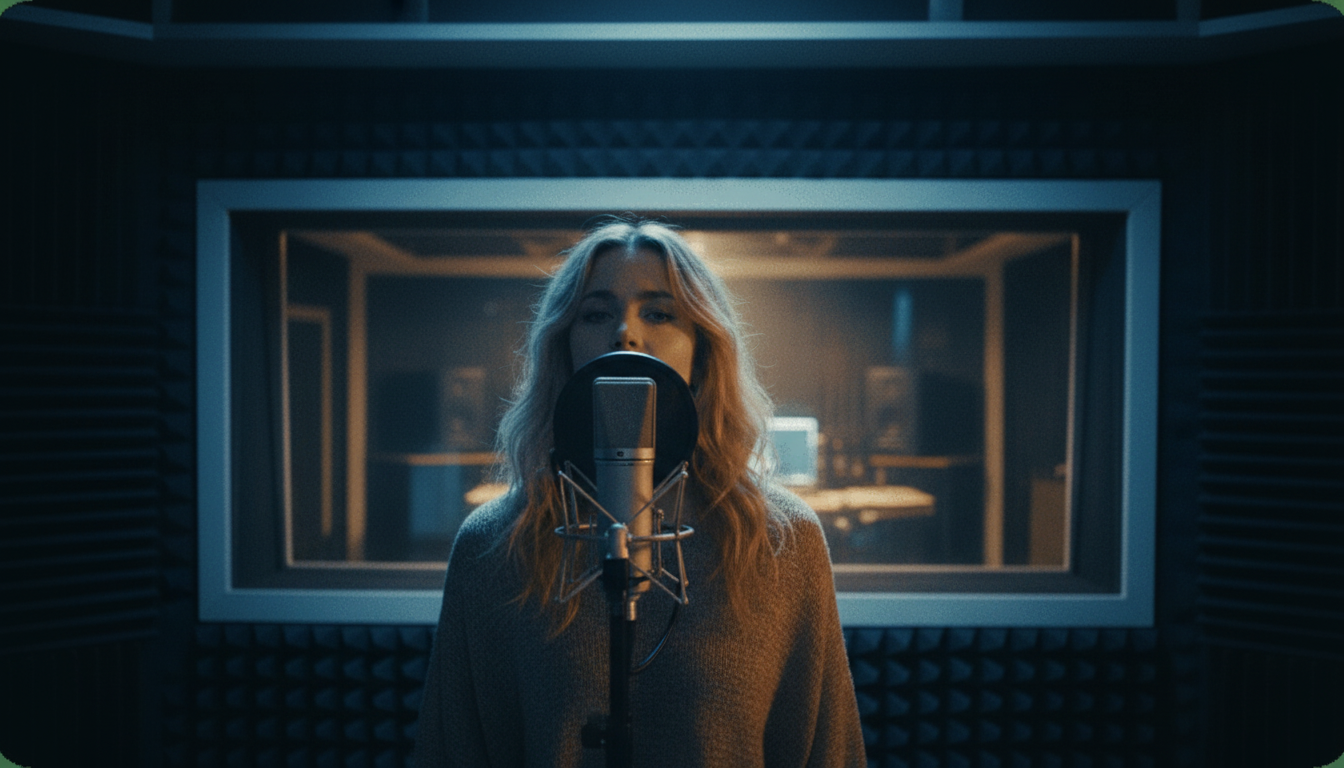
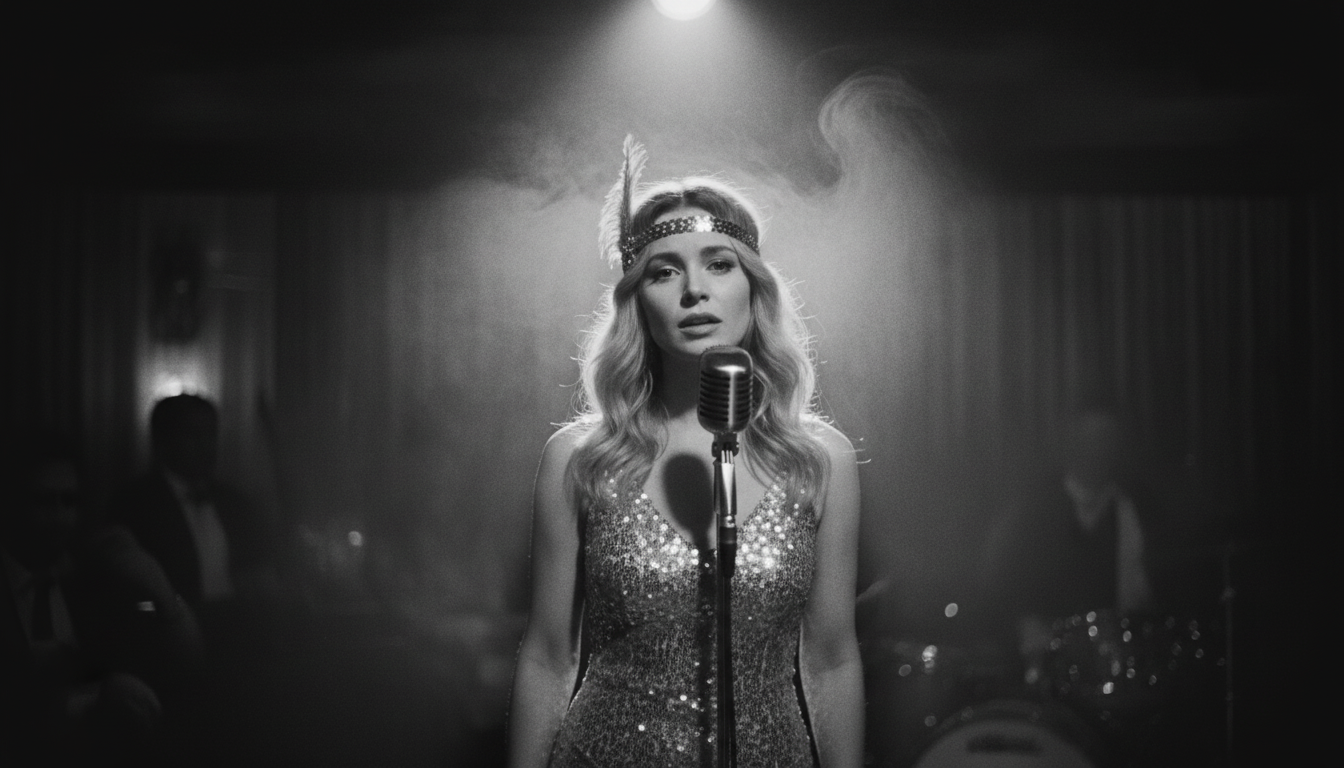
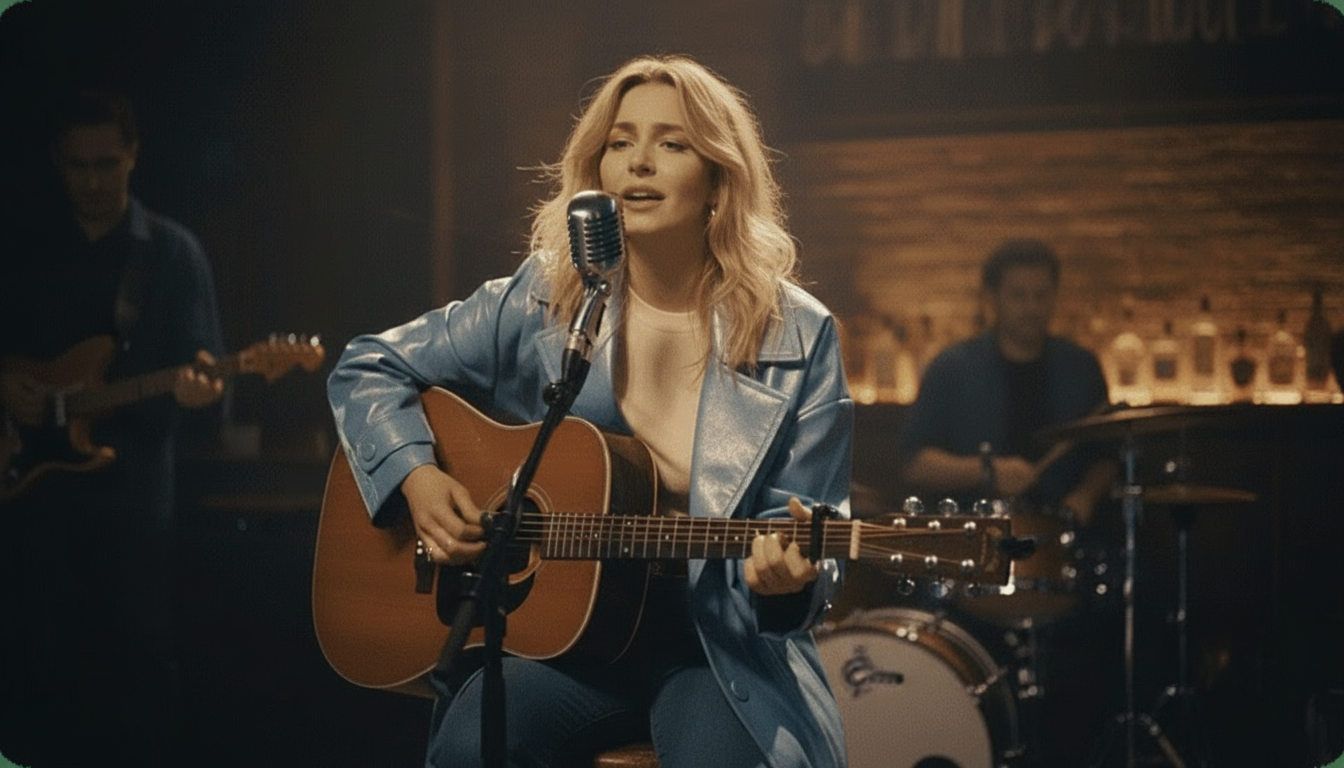
This is where you bring your creation to life. karaokevideo.ai offers several animation modes, like Solo for a single face, Duet for two, or even Pet Karaoke. You can then choose from instant presets like 'Jazz Club' or 'Studio' to set the mood, or use the custom scene editor to fine-tune the background and effects to perfectly match your audio.Step 3
Step 3: Generate and Download Your Video
Once you're happy with your settings, simply click the generate button. The AI will process your files and create the final animated video. This usually takes just a minute or two. You can preview the result directly on the site. If it looks good, you can download the final MP4 video file to your device, completely free and without any watermarks.
Beyond Memes: Creative Ways to Use AI Lip Sync Videos
Your Questions About AI Lip Sync Tools, Answered
What is the best free AI lip sync tool with no watermark?
How does AI lip sync technology actually work?
Can I use any photo for an AI lip sync video?
What's the difference between AI lip sync and a deepfake?
Do I need a powerful computer to use these AI tools?
What file formats are usually required for input?
How can I make the lip sync animation look more realistic?
Ready to Animate Your Photos?
Stop just sharing static images. Bring your photos to life with karaokevideo.ai's powerful and completely free AI lip sync tool. Create singing photos, talking avatars, and more in just a few clicks.
Create Your First Lip Sync Video for FreeRelated guides
How-To Guide
Make Any Photo Sing: A Step-by-Step Tutorial
Learn the simple process of turning a static picture into a singing sensation with our free AI tool.
How-To Guide
How to Lip Sync a Photo to Your Favorite Song
Animate a portrait to perfectly match the lyrics and rhythm of any audio track you choose.
Ideas & Inspiration
10 Ways to Repurpose One Song for Social Media
Maximize your music's reach by turning a single track into ten different pieces of engaging video content.
Best Of
The Best AI Singing Photo Generators of 2026
We compare the top tools for creating amazing singing photo videos, reviewing features, price, and quality.
Sources
- karaokevideo.ai — Free AI Lip Sync Photo Tool - The primary tool featured in this guide for creating free, watermark-free lip sync videos.