AI Photo Animation
Getting a Still Photo to Sing Along to Any Track

From Still Images to Singing Sensations
What You Need to Get Started
- A Suitable Digital Photo. Choose a clear, high-quality image where the face is well-lit and facing forward. For the best results, the mouth should be closed and the expression relatively neutral. Most importantly, you must have the legal right to use the image; only use your own photos or those you have explicit permission to animate.
- An Audio File. This can be any song, voice memo, or sound clip you want the photo to perform. Common formats like MP3, M4A, and WAV are typically supported. The quality of the audio will directly impact the accuracy of the lip-syncing, so use the clearest version you have available.
- Access to a Web Browser. The entire process is done online through a tool like karaokevideo.ai. There is no need to download or install any applications on your computer or phone. A stable internet connection is all that's required to upload your files and download the final video.
How to Turn a Photo into a Singing Video
Step 1
Step 1: Select and Upload Your Photo
Navigate to the AI singing photo tool on karaokevideo.ai. You will see an area to upload your image. You can either drag and drop your photo file directly onto the page or click to browse your device's storage. Choose a clear, front-facing photo for the best animation quality. Once uploaded, the tool will automatically detect the face in the image.Rights and Consent: Remember to only use photos of yourself or individuals who have given you explicit permission. Using images of others without consent is a violation of privacy. For public figures or characters, ensure the image is in the public domain or its use complies with fair use policies.Step 2
Step 2: Upload Your Audio Track
Next, upload the audio file you want the photo to sing. This could be a full song, a short clip, or a spoken-word recording. The AI will analyze this track to sync the facial animations. The platform handles the technical aspects of matching the mouth movements to the sound, so you just need to provide a clean audio source.Step 3
Step 3: Choose an Animation Mode and Style
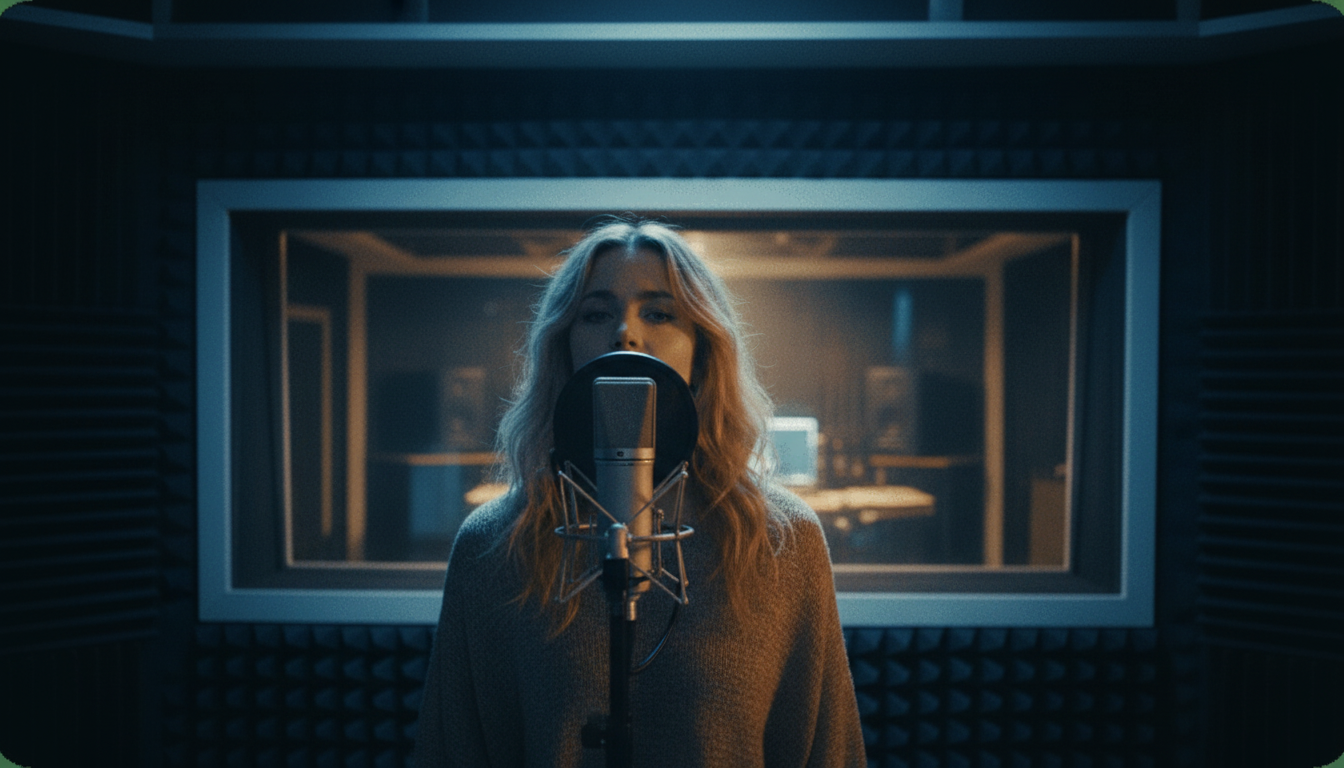
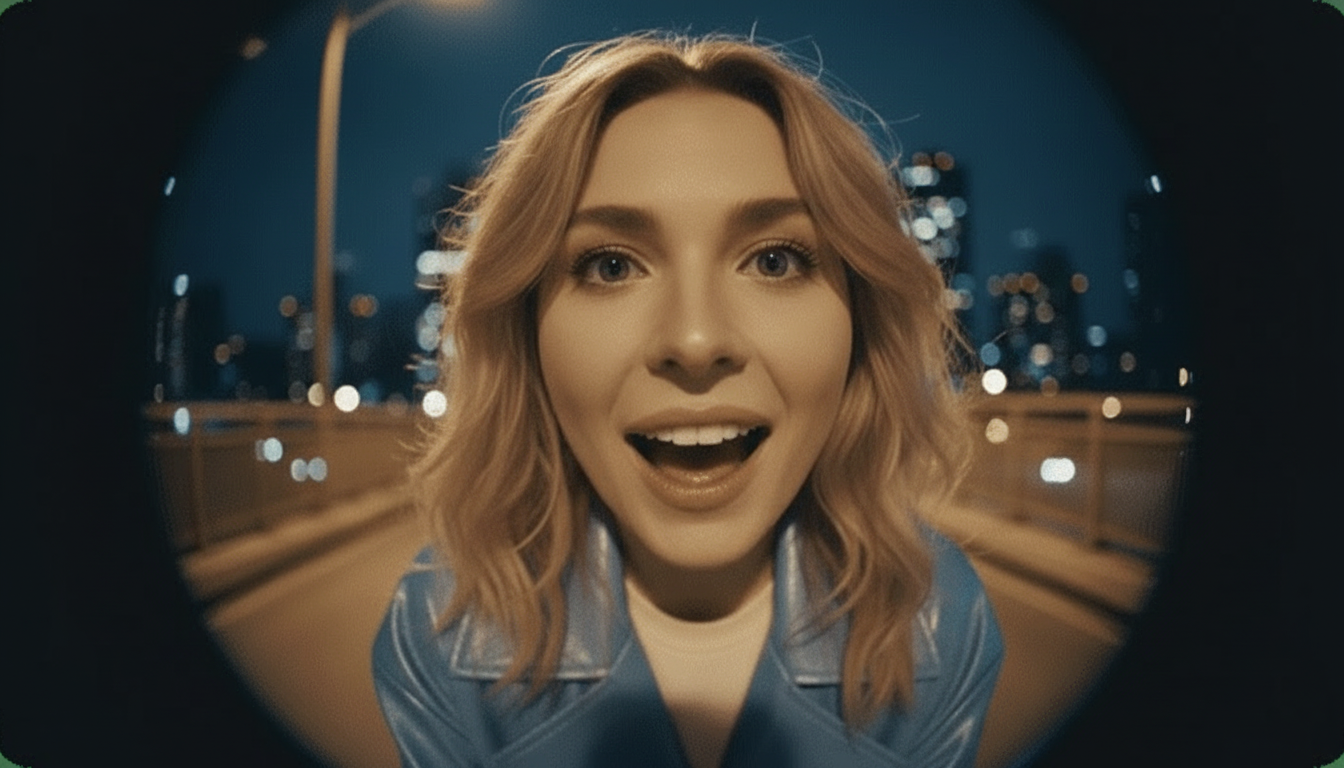
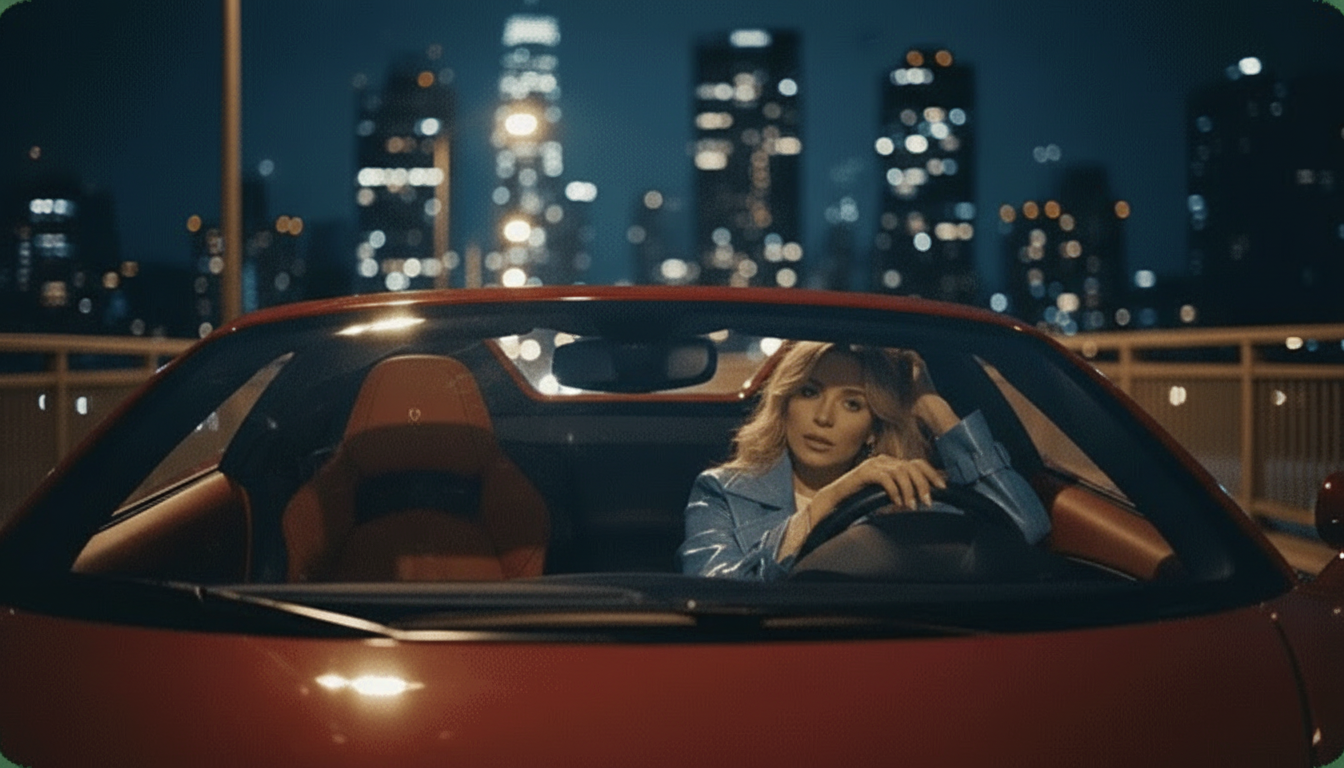
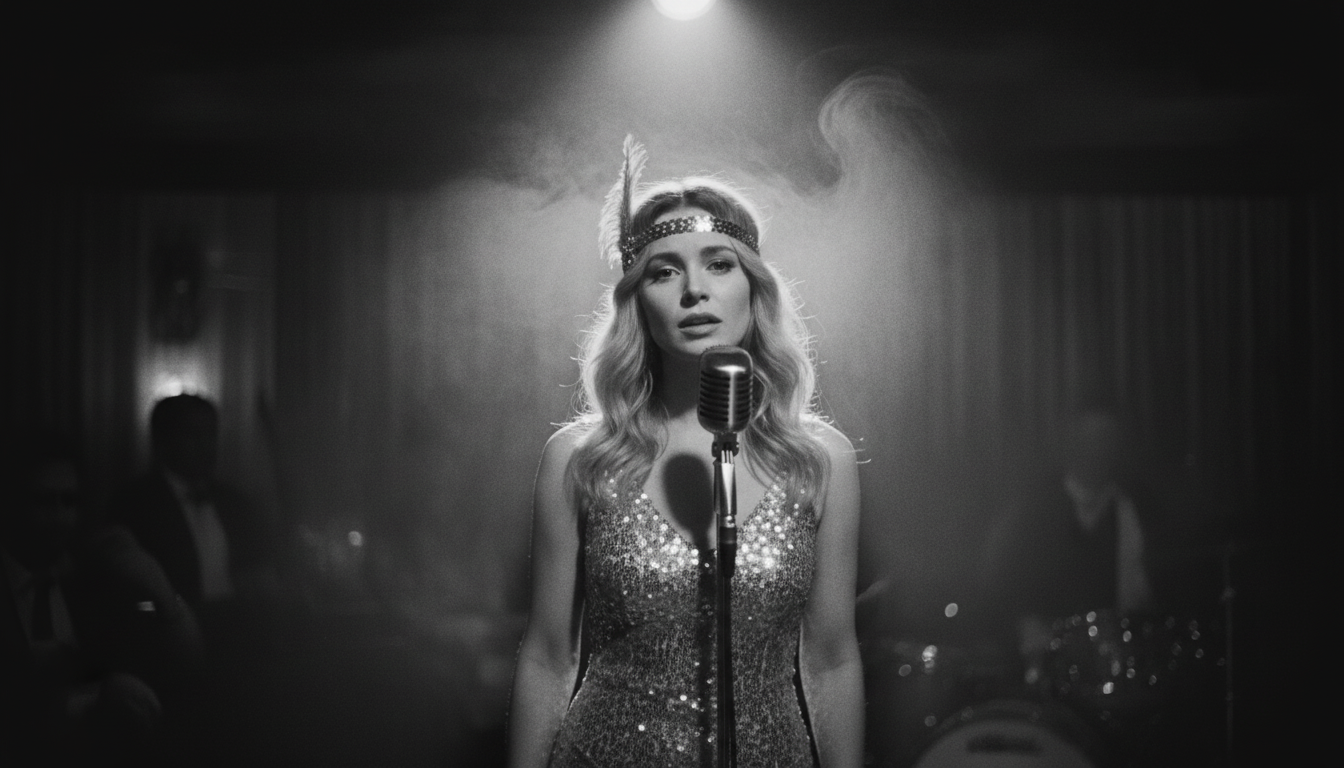
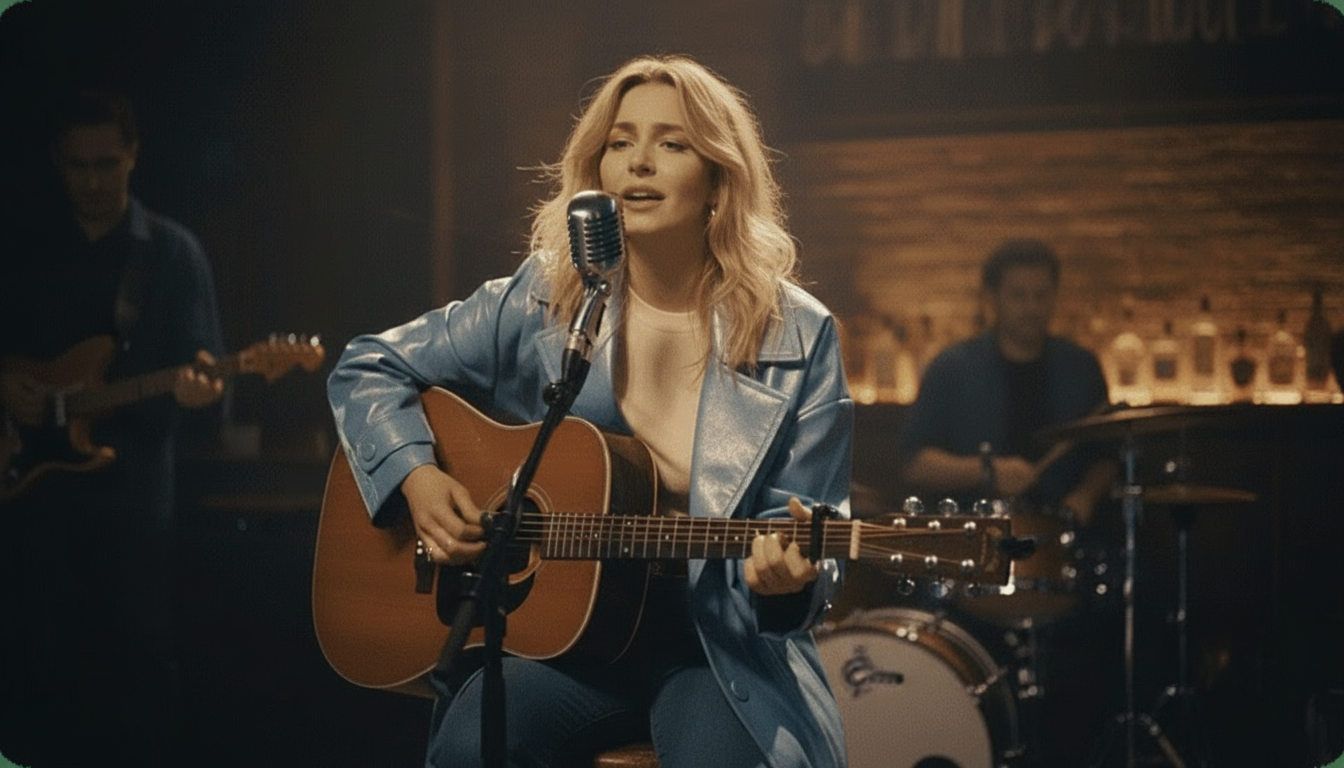
This is where you can get creative. Our tool offers several modes, including Solo, Duet, and even a Pet Karaoke option optimized for animal faces. After selecting a mode, explore the Instant Stage Presets. These are pre-made backgrounds and lighting effects like 'Studio,' 'Jazz Club,' or 'Supercar' that instantly give your video a professional or fun theme without any manual editing.Step 4
Step 4: Generate and Preview the Singing Video
With your photo, audio, and style selected, click the 'Generate' button. The AI will process your files, which may take a few moments depending on the length of your audio. Once complete, a preview of your animated video will appear. Watch it to check the lip-sync accuracy and overall motion. If you're not satisfied, you can go back and try a different photo or preset.Step 5
Step 5: Download Your Final Video
Once you are happy with the preview, you can download the final video file. karaokevideo.ai provides the full, high-quality video completely for free and without any watermarks. The video is saved in a standard format like MP4, ready to be shared on social media platforms like TikTok, Instagram, YouTube, or sent directly to friends and family.
Achieving More Realistic and Creative Results
Start with a High-Resolution Photo
The quality of your source image is the most important factor. A sharp, high-resolution photo with clear facial details gives the AI more information to work with, resulting in smoother and more believable animations. Avoid blurry, pixelated, or poorly-lit images.
Match the Music to the Mood
Consider the expression in your photo. A smiling face paired with an upbeat, happy song will look much more natural than pairing it with a somber ballad. While the AI generates motion, it cannot change the photo's base emotion, so a good pairing enhances the overall effect significantly.
Experiment with Different Presets
The Instant Stage Presets can completely change the tone of your video. A simple portrait can become a professional studio performance or a moody jazz club act. Try a few different presets to see which one best complements your photo and song choice before finalizing your video.
Use the Pet Karaoke Mode
For photos of dogs, cats, or other animals, be sure to select the 'Pet Karaoke' mode. This uses a different AI model specifically trained on animal facial structures, leading to much funnier and more convincing results than the standard mode would produce.
How karaokevideo.ai Compares to Other Tools
| Feature | karaokevideo.ai | HeyGen | musci.io |
|---|---|---|---|
| Cost | 100% Free, no limits | Free plan with limits | Paid plans for full features |
| Watermark | None | Yes, on the free plan | Varies by plan |
| Video Length | No defined limit | Free plan limited to short clips | Capped by subscription tier |
| Ease of Use | Simple web interface | More focused on professional avatars | Simple web tool |
| Key Differentiator | Truly free use with presets and multiple modes | Advanced avatar creation for businesses | Music-focused visualizations |
Common Questions About Making Photos Sing
Is it really free to make any photo sing online?
What is the best way to make a photo sing with AI?
Can I use a picture of a celebrity or a cartoon character?
How long does it take to turn a picture into a singing video?
Can I make a photo sing along to a song on my phone?
What's the difference between a singing photo and a talking photo?
Can the AI animate old black and white photos?
Ready to Animate Your Photos?
Bring your images to life and surprise your friends and followers. Create your first high-quality singing photo video in just a few minutes, completely for free.
Start Creating for FreeRelated guides
Related Guide
How to Lip-Sync a Photo to Any Audio
Learn the specifics of creating a perfect lip-sync video from a static image, focusing on spoken word and voiceovers.
Best Tools
The Best AI Singing Photo Generators Reviewed
A roundup and comparison of the top tools available for creating singing photos, highlighting their features, costs, and quality.
Fun Project
How to Create an AI Singing Animal Video
A step-by-step guide focused on using our Pet Karaoke mode to turn photos of your pets into hilarious singing stars.
Sources
- karaokevideo.ai — Free AI Singing Photo Generator - The primary tool featured in this how-to guide.