How-To Guide
Making Your Pet the Star of a Singing Video

Why Singing Animal Videos Are Taking Over Social Media
How to Make Your Pet Sing With AI: The 7-Step Process
Step 1
Step 1: Choose the Perfect Pet Photo
The quality of your final video starts with the source image. For the best results, choose a photo where your pet is looking directly at the camera. A clear, well-lit, front-facing shot gives the AI the most information to work with. Try to use an image where your pet's mouth is closed, as this creates a more natural starting point for the animation. Most importantly, ensure you have the rights to use the photo; only use pictures of your own pets or those you have explicit permission to animate.High-resolution photos from a modern smartphone work perfectly. Avoid blurry, dark, or side-profile shots, as they can lead to distorted animations.Step 2
Step 2: Upload Your Photo to the Generator
Navigate to the singing animal generator on karaokevideo.ai. You'll see a straightforward interface for uploading your chosen image. Click the upload button and select the pet photo from your device. The tool accepts common image formats like JPEG and PNG. Once uploaded, the system will automatically detect the face in the photo and prepare it for the animation process. This step is instant and requires no cropping or manual adjustments.Step 3
Step 3: Add Your Song or Audio Clip
Next, you'll upload the audio file that your pet will 'sing'. This can be a full song, a short clip from a trending sound on TikTok, or even a recording of your own voice. The AI syncs the animation to this track, so choose something with clear vocals or speech for the best lip-sync effect. Consider the comedic potential: a tiny kitten singing a deep baritone voice or a large dog with a high-pitched squeak can be especially funny. The tool will process your audio to isolate the key phonetic sounds.Step 4
Step 4: Select the 'Pet Karaoke' Animation Mode
Our tool offers several animation modes, including options for solo human singers, duets, and avatars. For this project, be sure to select the 'Pet Karaoke' mode. This setting is specifically calibrated for non-human faces. It adjusts the animation algorithms to better map mouth movements and head nods to the facial structure of cats, dogs, and other animals, resulting in a more convincing and often funnier performance than the standard modes.Step 5
Step 5: Customize the Background and Scene
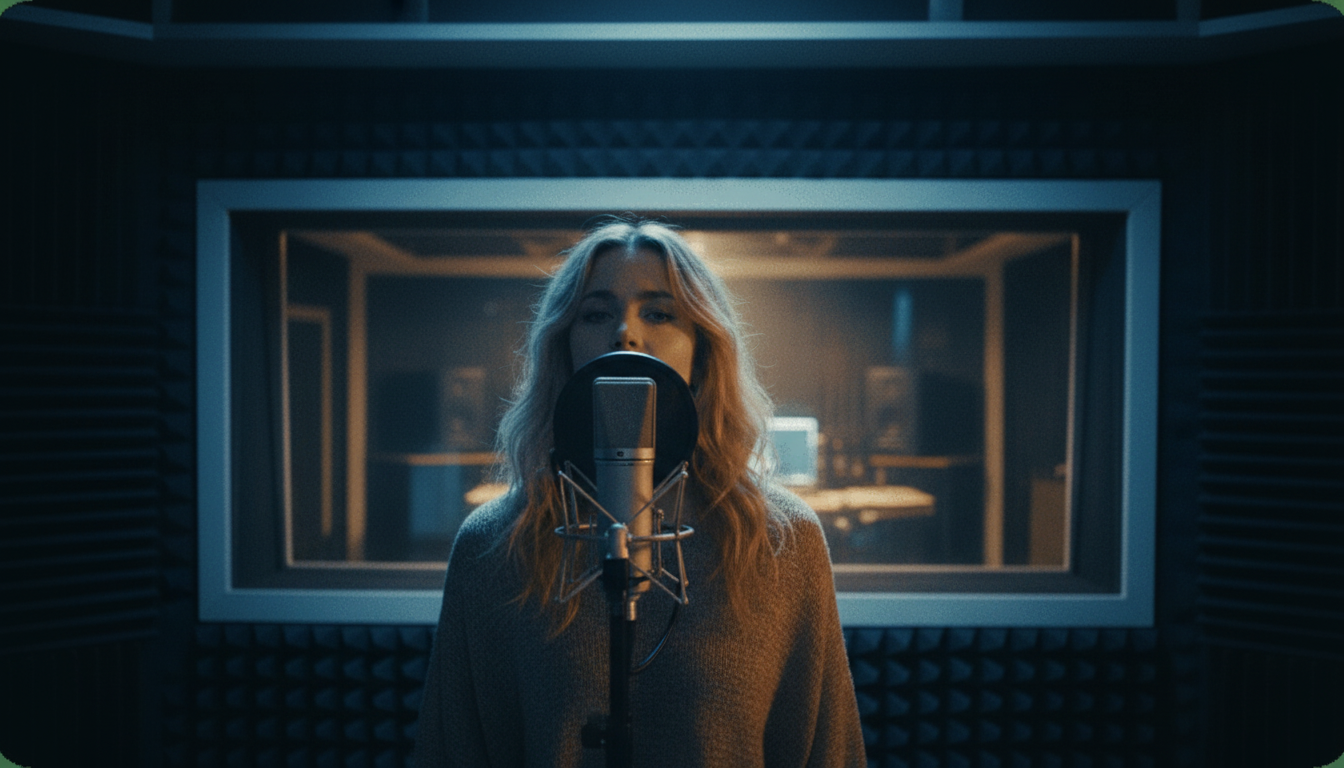
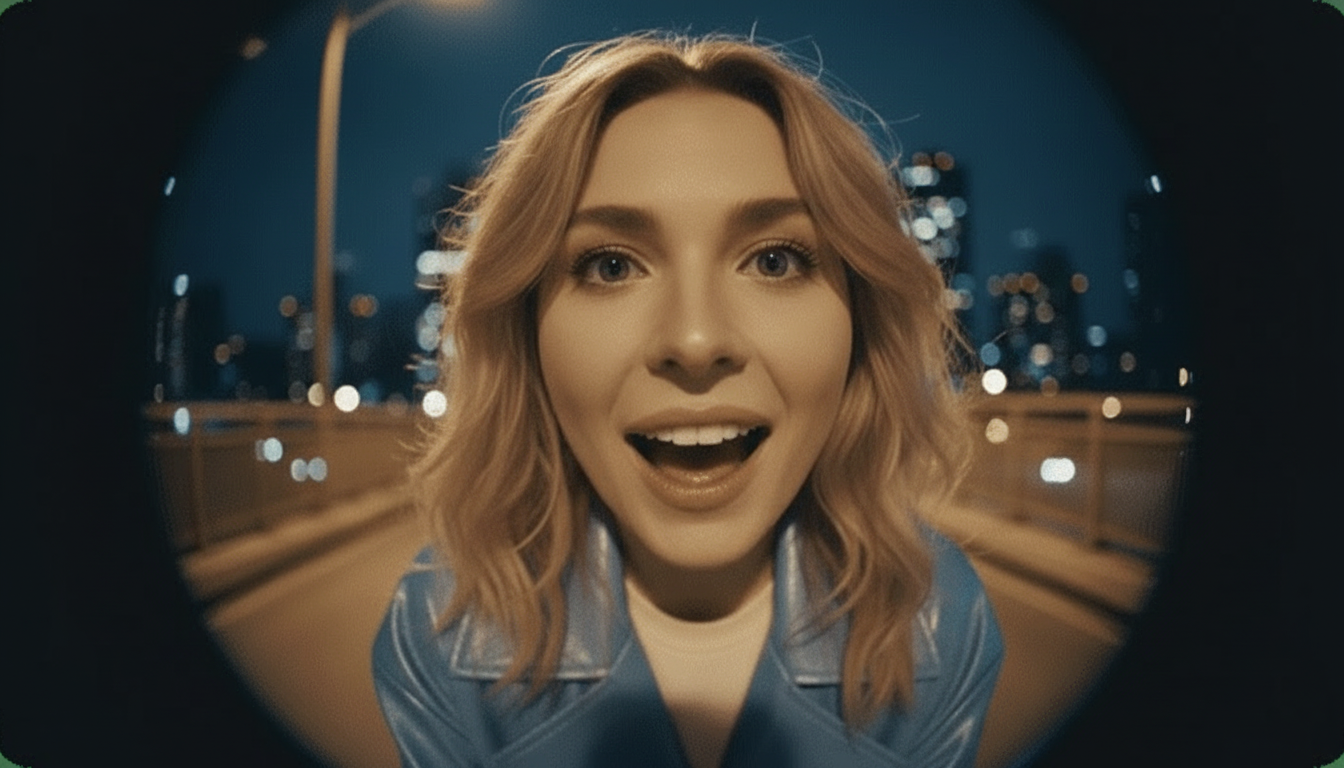
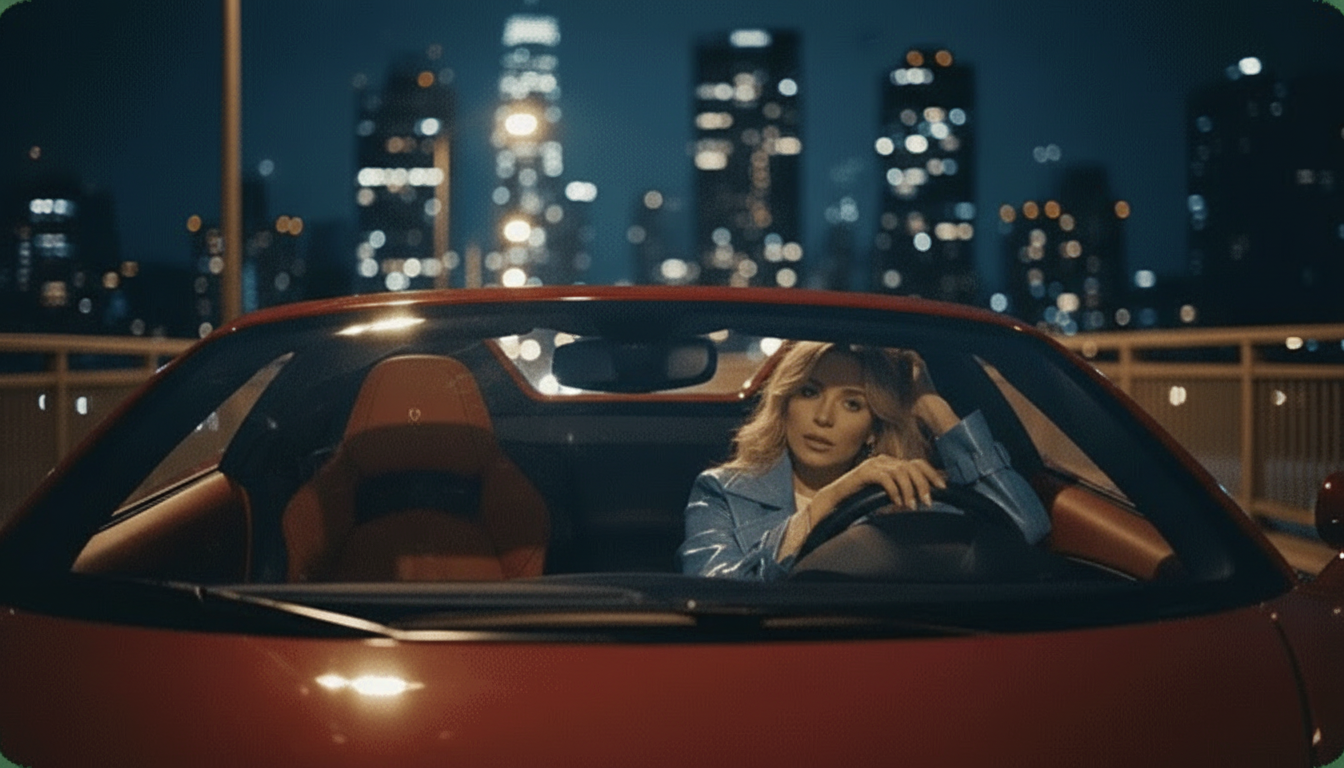
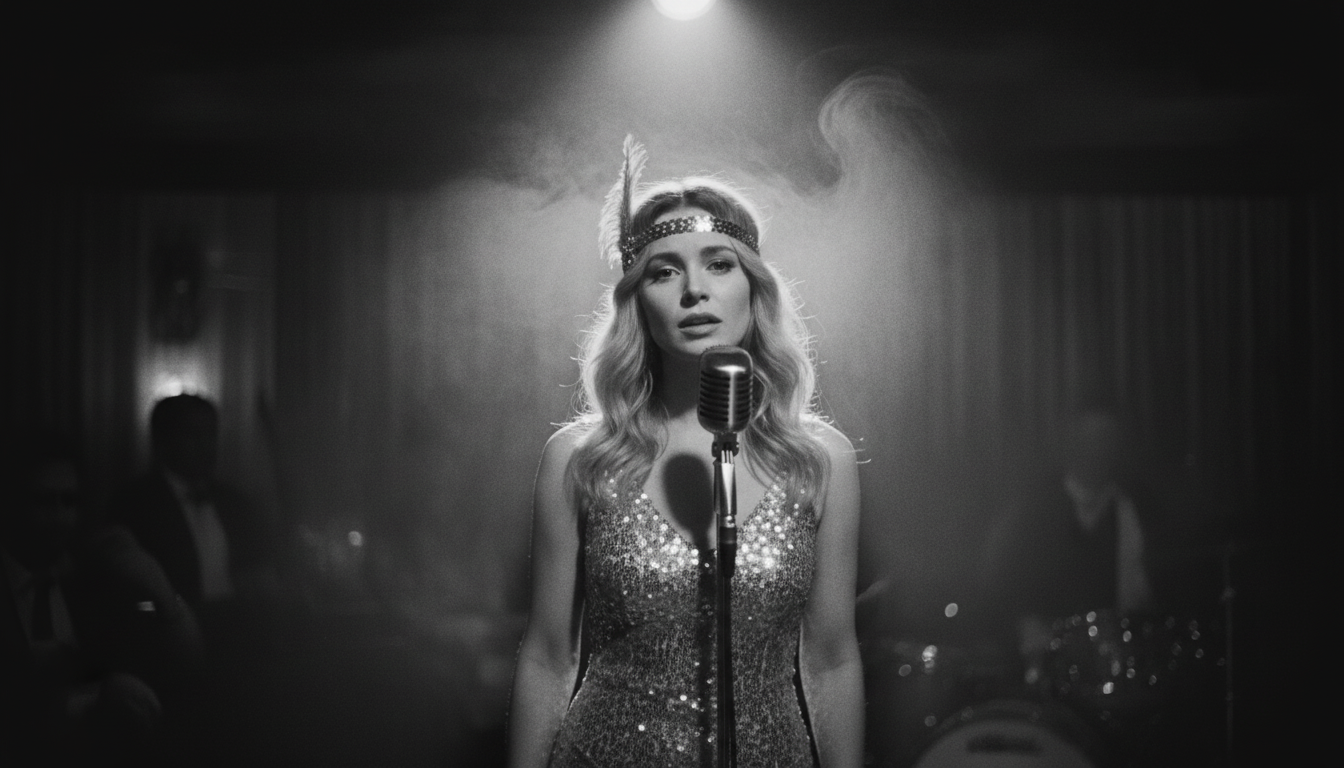
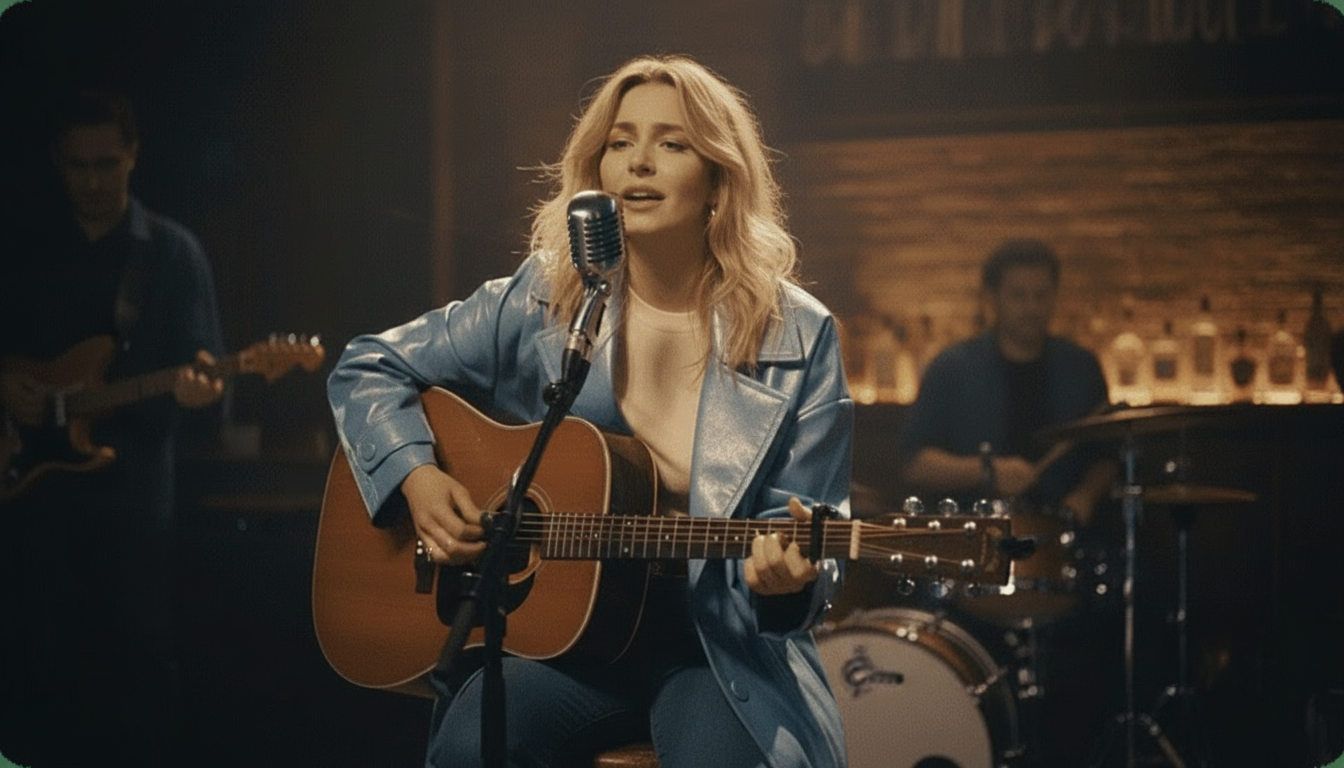
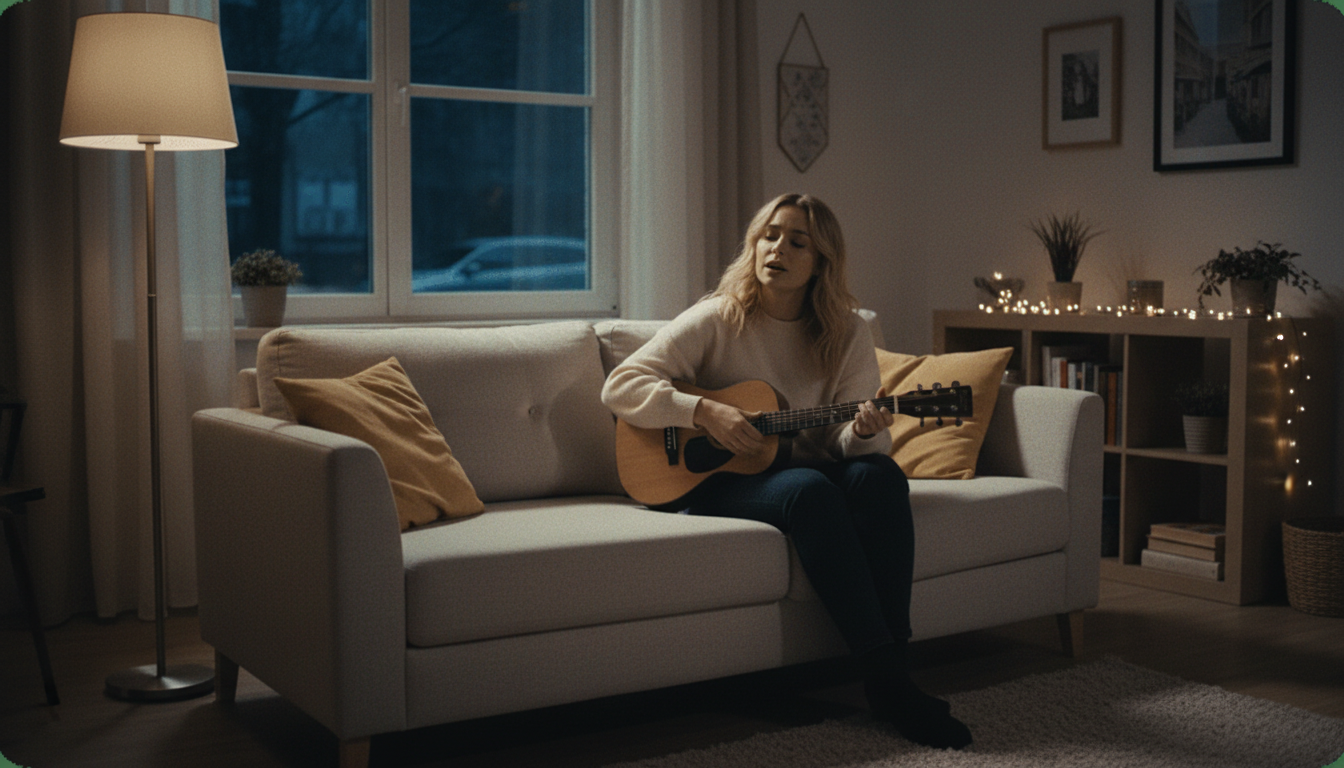
This is where you can add another layer of creativity. Instead of a plain background, you can place your pet in a variety of virtual environments using the Instant Stage Presets. Choose from options like 'Studio,' 'Jazz Club,' 'Home,' 'Bar,' 'Supercar,' or a 'Fisheye' lens effect. You can also use the Custom Scene Editing tools to fine-tune the look. Matching the scene to the song's vibe can elevate your video from a simple gag to a miniature music video.Step 6
Step 6: Generate and Preview Your Video
With your photo, audio, and scene selected, click the 'Generate' button. The AI will now get to work, which can take a minute or two depending on the length of your audio. It processes the files, creates the animation frames, and renders the final video. Once completed, a preview will appear on your screen. Watch it to make sure you're happy with the result. If not, you can easily go back and tweak the photo, audio, or scene settings and regenerate it.Step 7
Step 7: Download and Share Your Creation
Satisfied with your pet's performance? The final step is to download the video. With karaokevideo.ai, the downloaded file is completely free and does not contain any watermarks, so it's ready to be shared directly to your social media channels. Upload it to TikTok, Instagram, or YouTube and add relevant hashtags like #singingdog or #catsoftiktok to help it find an audience. Now sit back and watch the likes and comments roll in.
Common Mistakes to Avoid
Frequently Asked Questions
Is it really free to create an AI singing animal video?
What kind of photos work best for the singing animal generator?
Can I use any song to make my pet sing?
How long does it take to turn a pet photo into a singing video?
Can I make a video of my pet talking instead of singing?
What's the best way to share my funny singing animal video on TikTok?
Does the final video have a watermark?
Ready to Make Your Pet a Star?
You've learned the steps, the pro tips, and the secrets to creating hilarious singing animal videos. Now it's time to try it for yourself. Grab the best photo of your pet and bring it to life in minutes with our free, easy-to-use AI tool.
Try the Free Singing Animal GeneratorRelated guides
Related Guide
How to Make Any Photo Sing: A Beginner's Tutorial
Learn the basics of AI photo animation. This guide covers how to animate photos of people, not just pets, using the same powerful AI technology.
Related Guide
How to Lip-Sync a Photo to Any Audio
Go beyond singing and make a photo talk. This tutorial focuses on creating convincing lip-sync videos for dialogue, speeches, and voiceovers.
Content Strategy
10 Ways to Turn One Song Into Content for TikTok and Reels
A singing animal video is just one way to use a song. Discover nine other ideas for creating engaging short-form video content from a single piece of music.
Related Guide
How to Create an AI Talking Photo in Minutes
Explore the technology that powers singing photos. This guide shows you how to bring still images to life with spoken audio for memes, greetings, and more.
Sources
- karaokevideo.ai — Free Singing Animal Generator - The primary tool used in this how-to guide.